
For sales away from the counter
Sold it by text? Send the link.
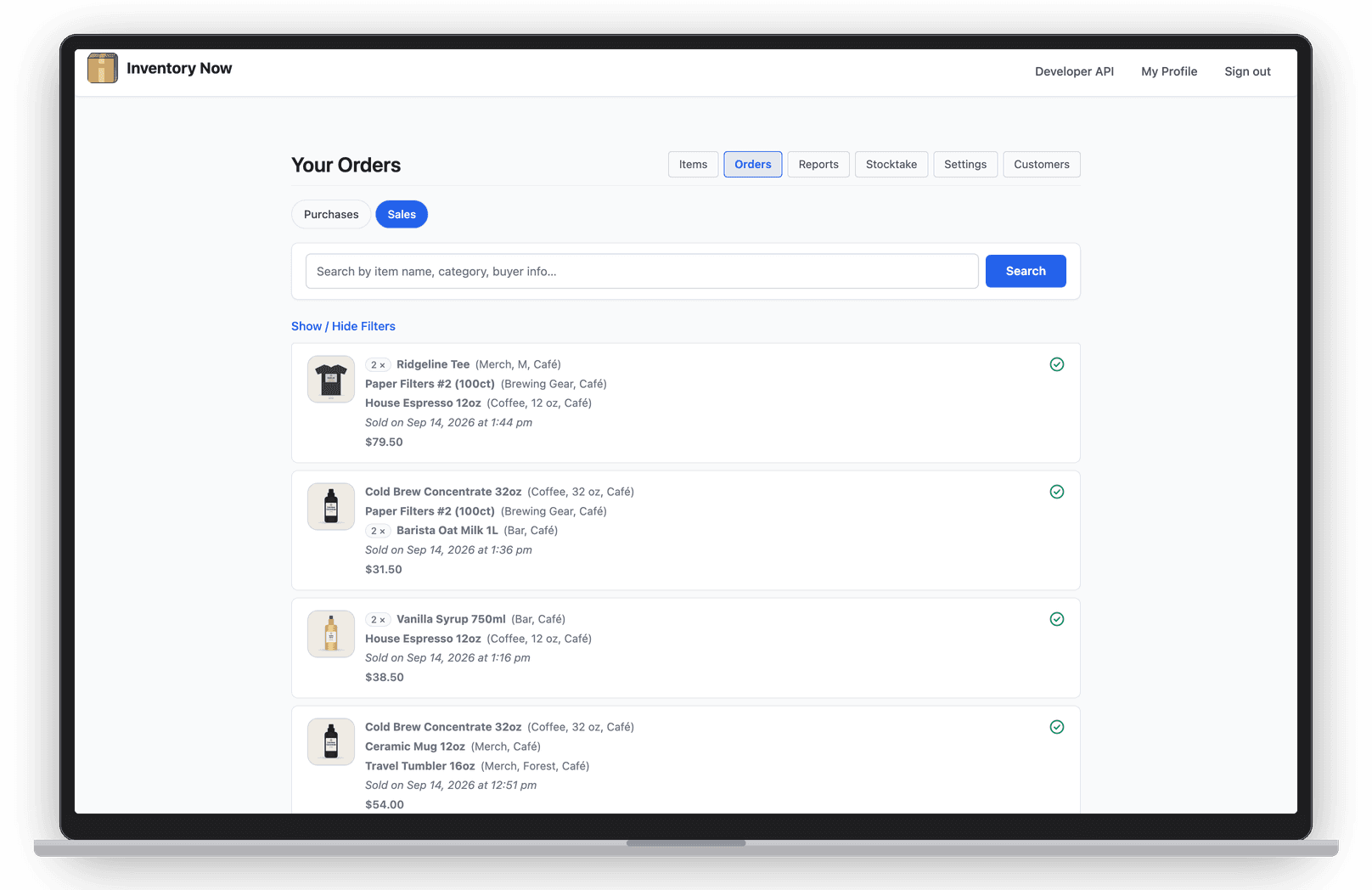
Not every sale happens with the customer in front of you. Send a secure Stripe payment link from the order, or put a pay-online QR code on the invoice. When they pay, the order is marked paid and you hear about it.


- Nº 1
Chasing payment
Stop trading messages about how to pay. Send one link and your customer can pay by card, Apple Pay, Google Pay and more.
- Nº 2
Invoices that sit unpaid
An unpaid invoice can carry a QR code and link, so paying takes a scan instead of a check in the mail.
- Nº 3
Card fees eating the margin
Have the customer cover the processing fee, or absorb it and see the real cost on the order. Your call, order by order.
Check Out with Stripe
One link for each order.
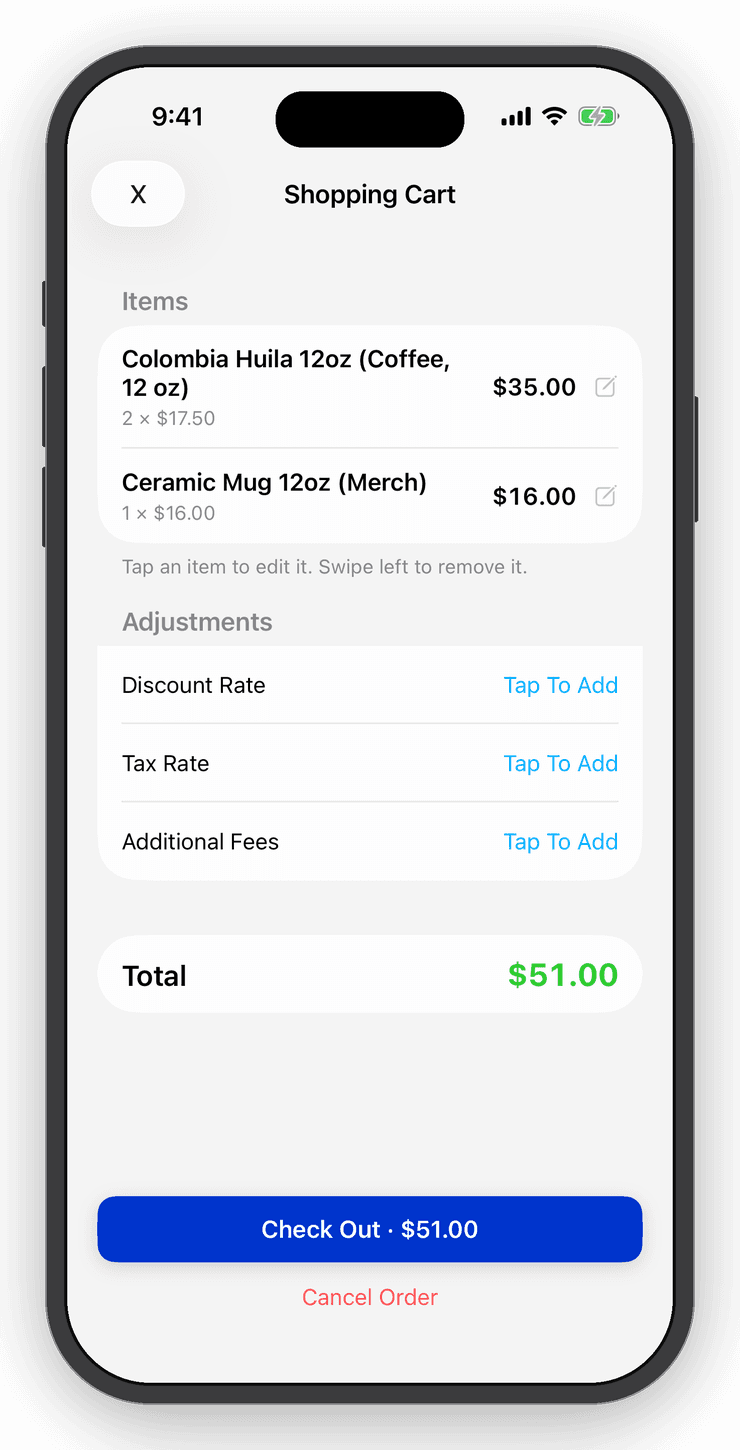
Build the order as usual and choose Check Out with Stripe. Share the link by text, email or any app. Your customer sees your business name, the items and the total, then pays on a Stripe checkout page. They don't need an account.
The order is marked paid when the payment lands, and you get a notification. Change the order before they pay and the link charges the new total. Need to pull a link back? Reset it and the old one stops working.
Payable invoices
An invoice they can pay from the page.
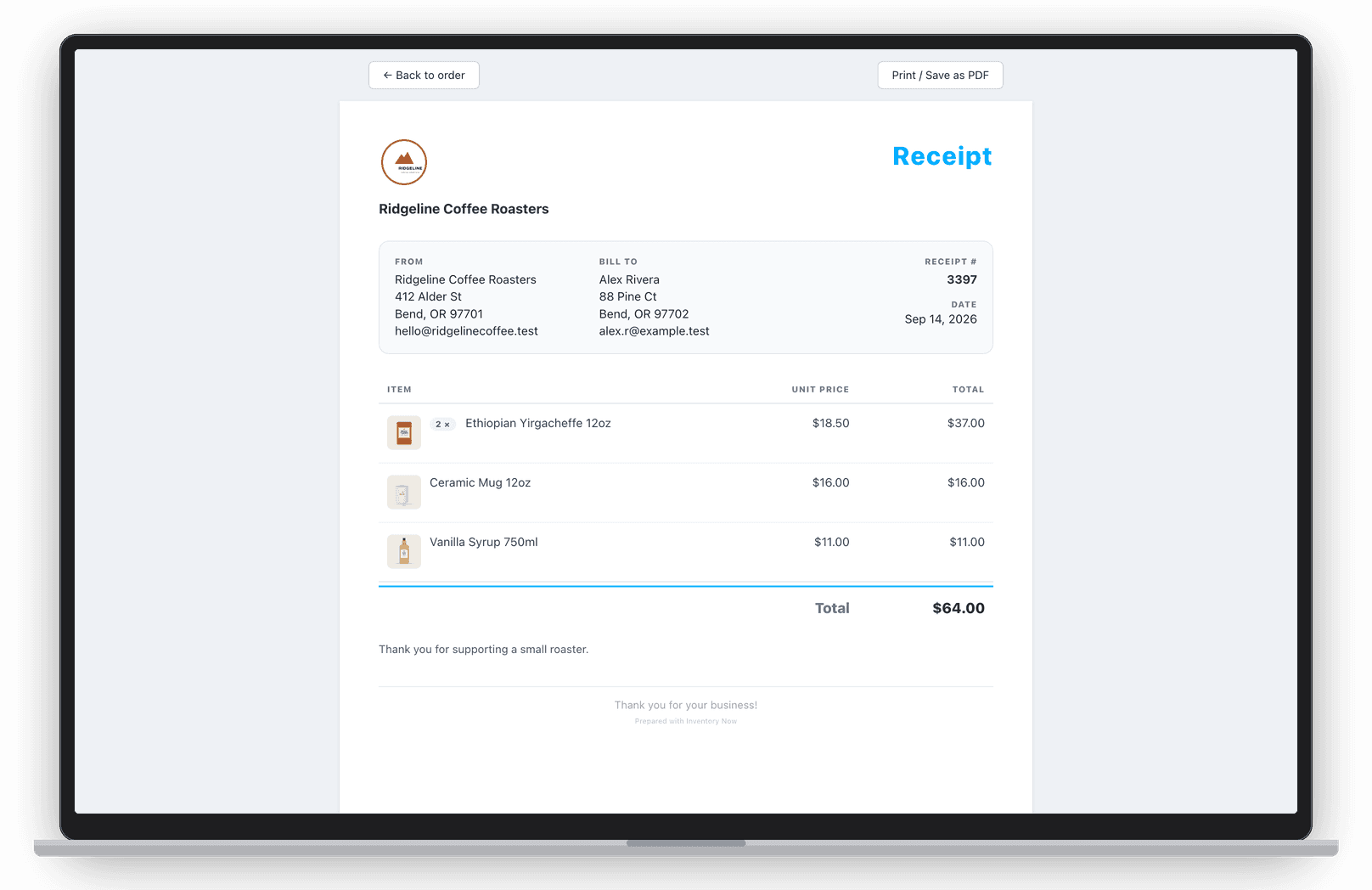
Turn on Show payment link on invoices and every unpaid sale invoice gets a Scan to pay online QR code with the full link printed below it. It works from a PDF or a sheet of paper.
The page always charges what the order says now, so an invoice printed last week can't collect the wrong amount. Once the order is paid, the page shows it as paid and offers a receipt.
Processing fees
Decide who pays the card fee.
Turn on Customer pays processing fees and new sales add a fee worked out to cover Stripe's charge and ours, however the customer pays. They see it on the invoice and payment page before they pay, and you can switch it off for any order.
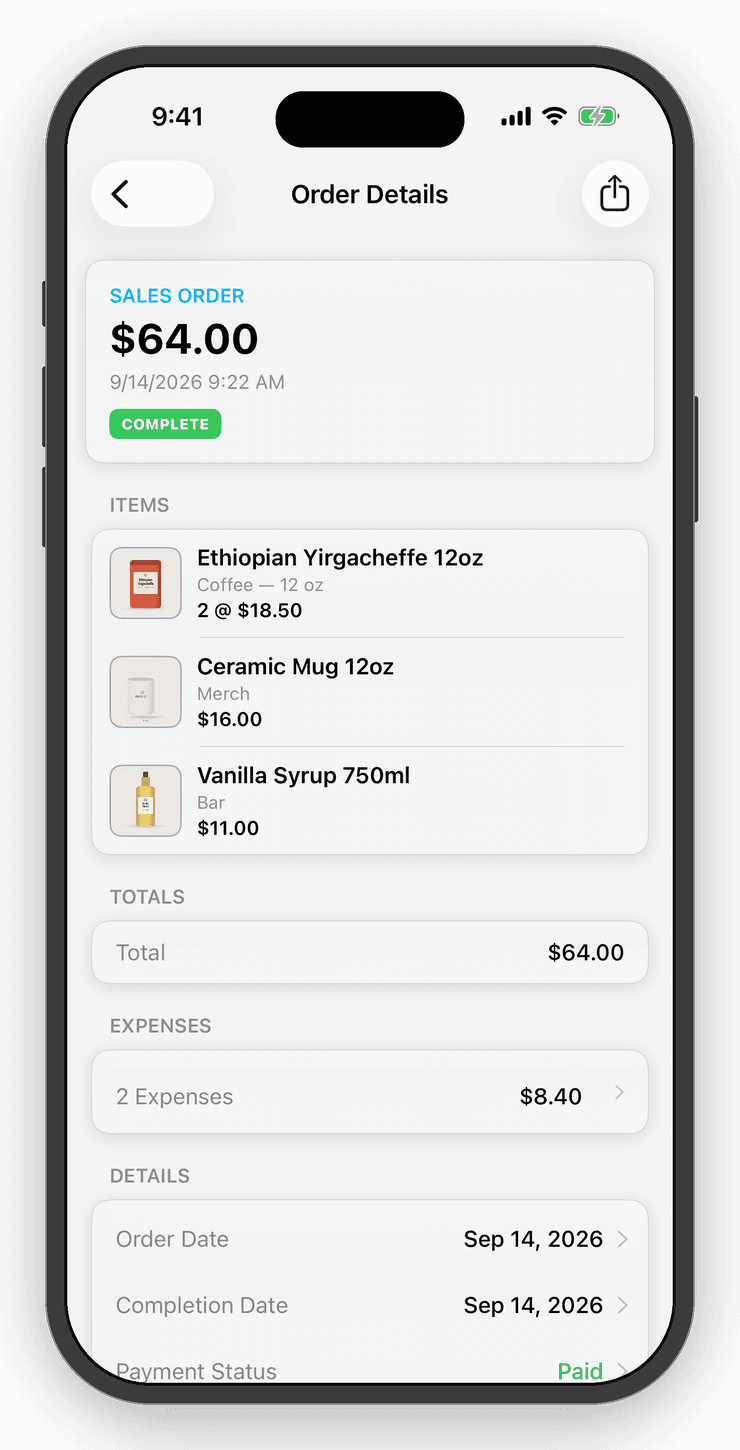
Either way, the real fees are recorded on the order as expenses, so your profit stays accurate. Rules on passing card fees to customers vary by state and card type, so check what applies to you.
In person, no reader
Take a card with nothing but a QR code.
Customer standing in front of you? Show the link as a full-screen QR code and they pay on their own phone. Or open it in a browser and type in their card. It works on iPhone, iPad, Mac, Android and the web, and on supported phones Tap to Pay is there too.
Questions
Good to know
By card, Apple Pay, Google Pay and other wallets Stripe offers on its checkout page. They don't need an account or the app.
Free for your first 25 items.
No account, no card. When the shelf gets crowded, Personal is $10 a month.