
Stocktakes
Count a shelf, a room, or the whole store.
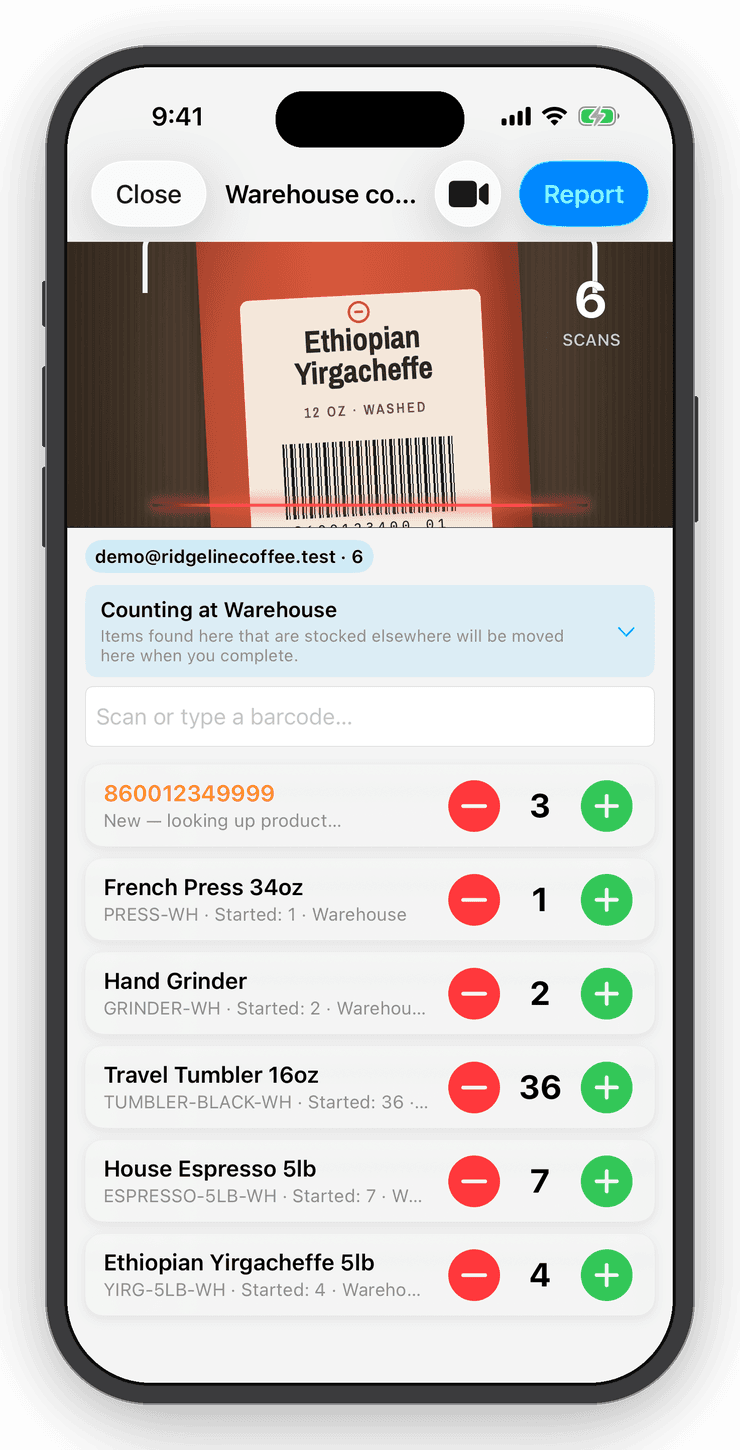
Start a session, choose the location and scan. Preview every discrepancy, commit, and keep a report of what changed. Interrupted? The session waits. Wrong? Undo puts it back.


- Nº 1
Counts that add up
Each scan increments the count; the list shows counted versus expected as you go.
- Nº 2
Discrepancies before damage
Review the differences before anything changes, then commit with one tap.
- Nº 3
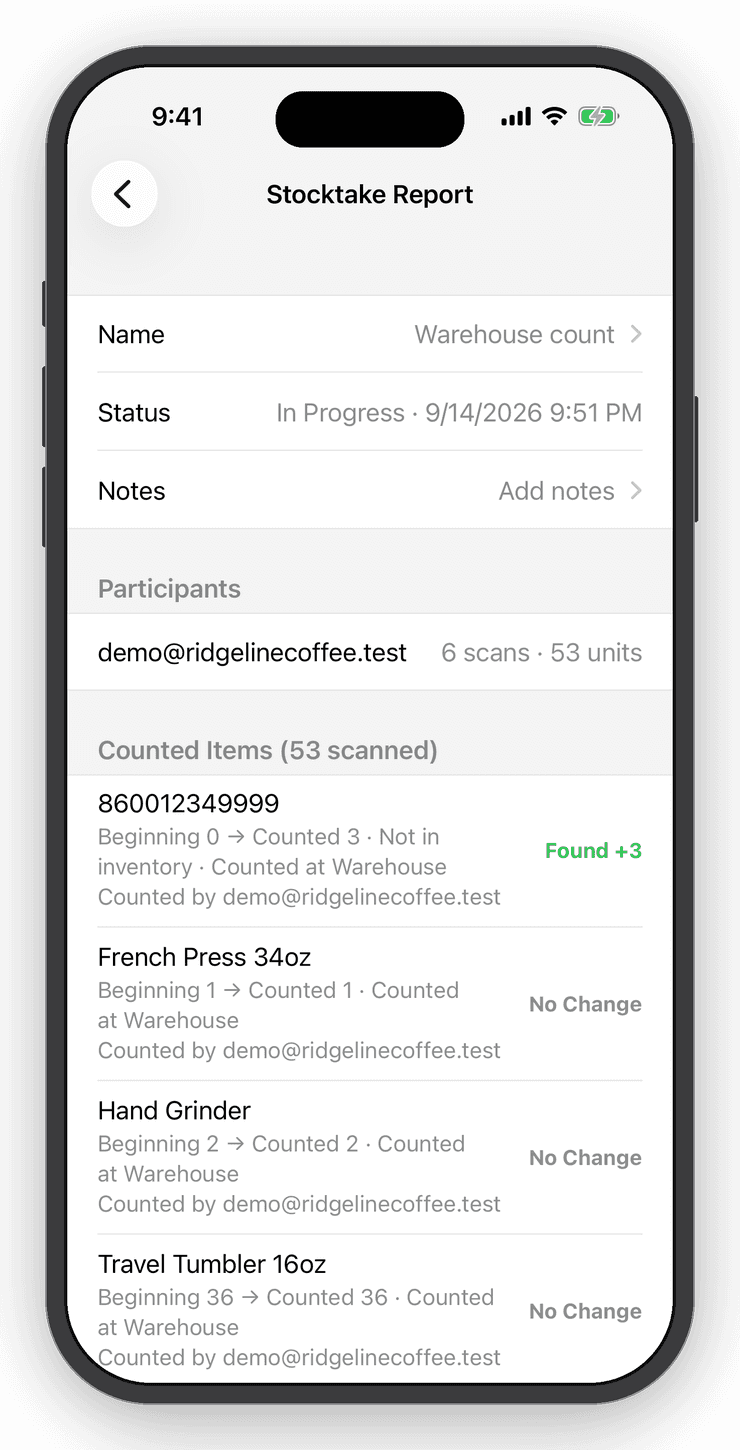
A paper trail
Every completed stocktake keeps a report of what was adjusted, by whom.
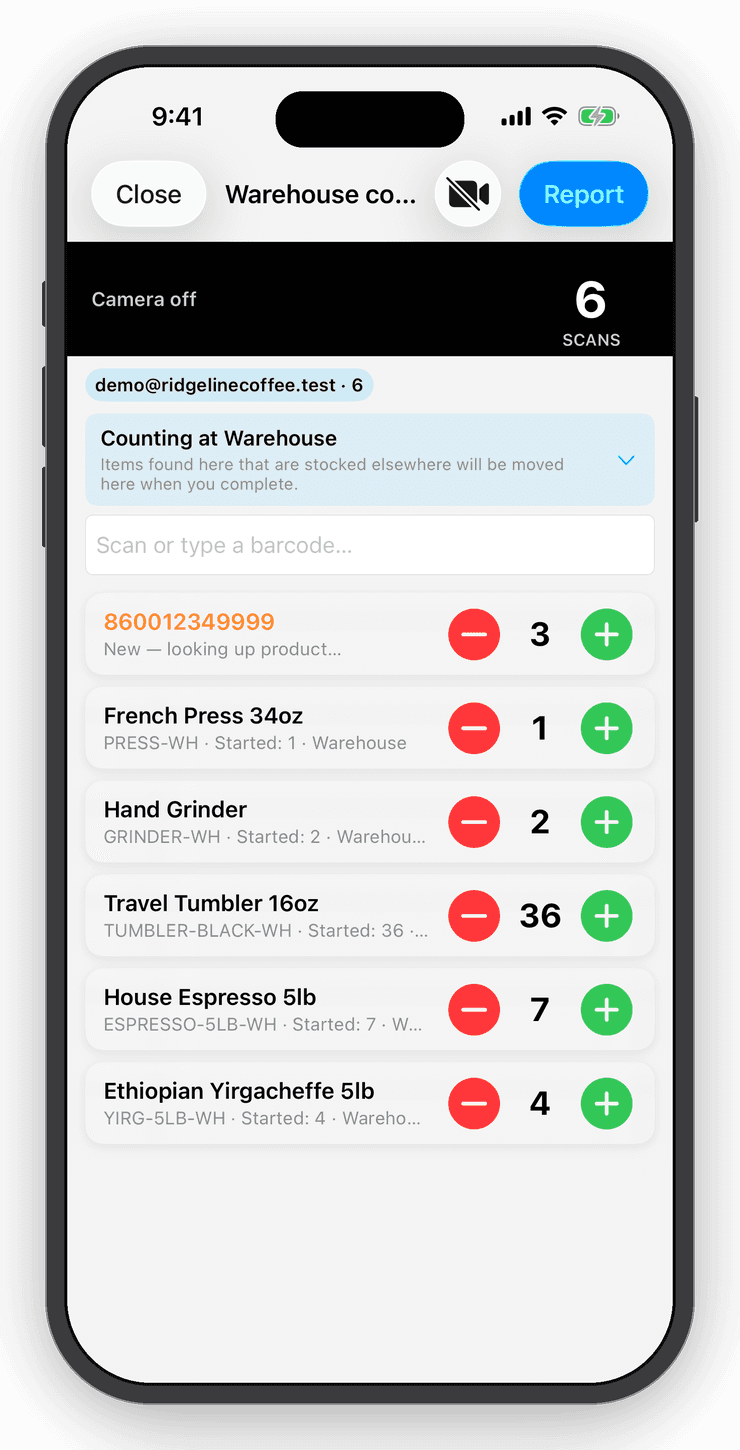
Scan to count
Walk the shelf. Scan everything.
A barcode you have never stocked becomes a new item with its details filled in, so an empty account can walk a shelf and end with a full catalog.
Stocktakes
Count a shelf, a room, or the whole store.
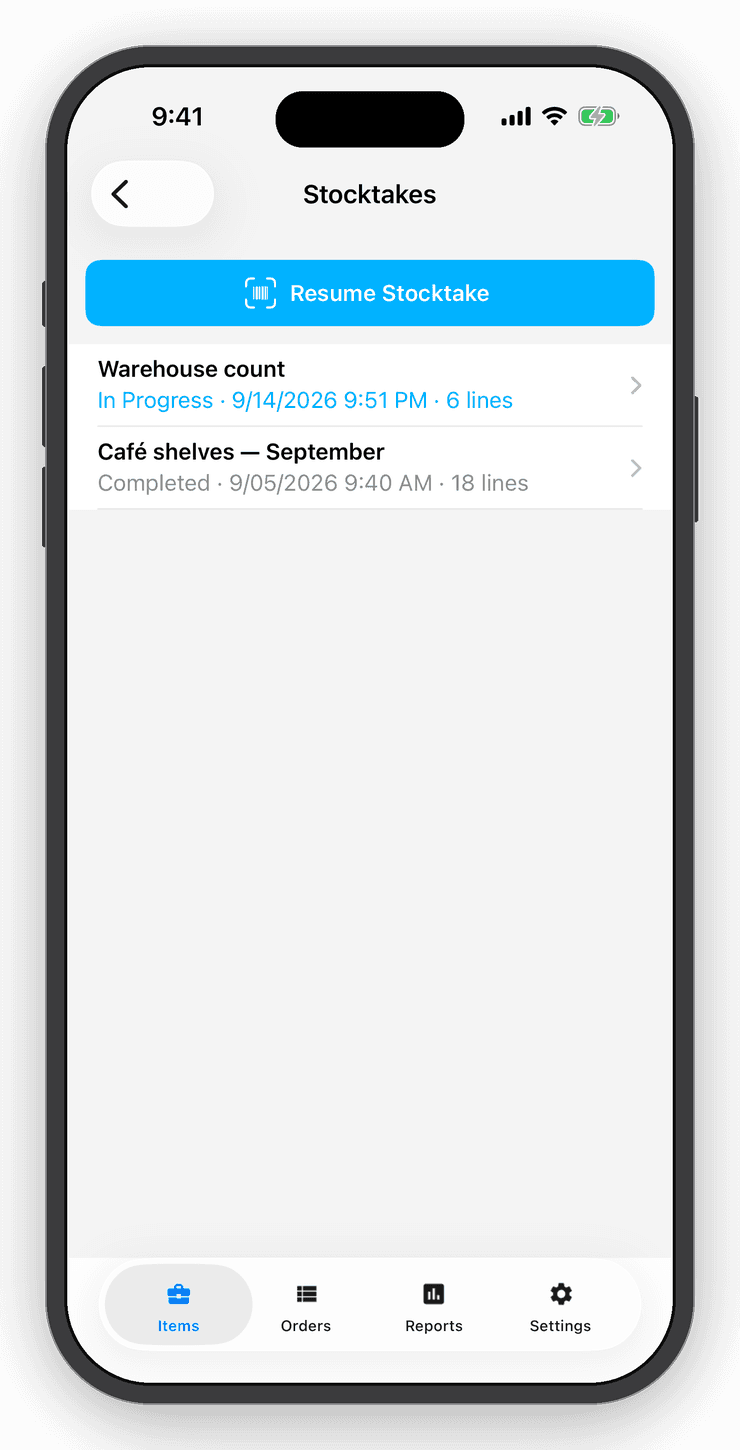
Start a stocktake, choose where you are counting and scan. Preview every discrepancy before you commit, then keep a report of what changed. Undo puts it all back.
History
Every count, kept.
Stocktake history shows each session, its location and the adjustments it made. Prefer a spreadsheet? Export a count template, fill it in and import it.
Questions
Good to know
Yes. Sub-users, a Professional feature, can join a session and their scans add up together.
Free for your first ten items.
No account, no card. When the shelf gets crowded, Personal is $10 a month.