
Point of sale
A point of sale in your pocket.
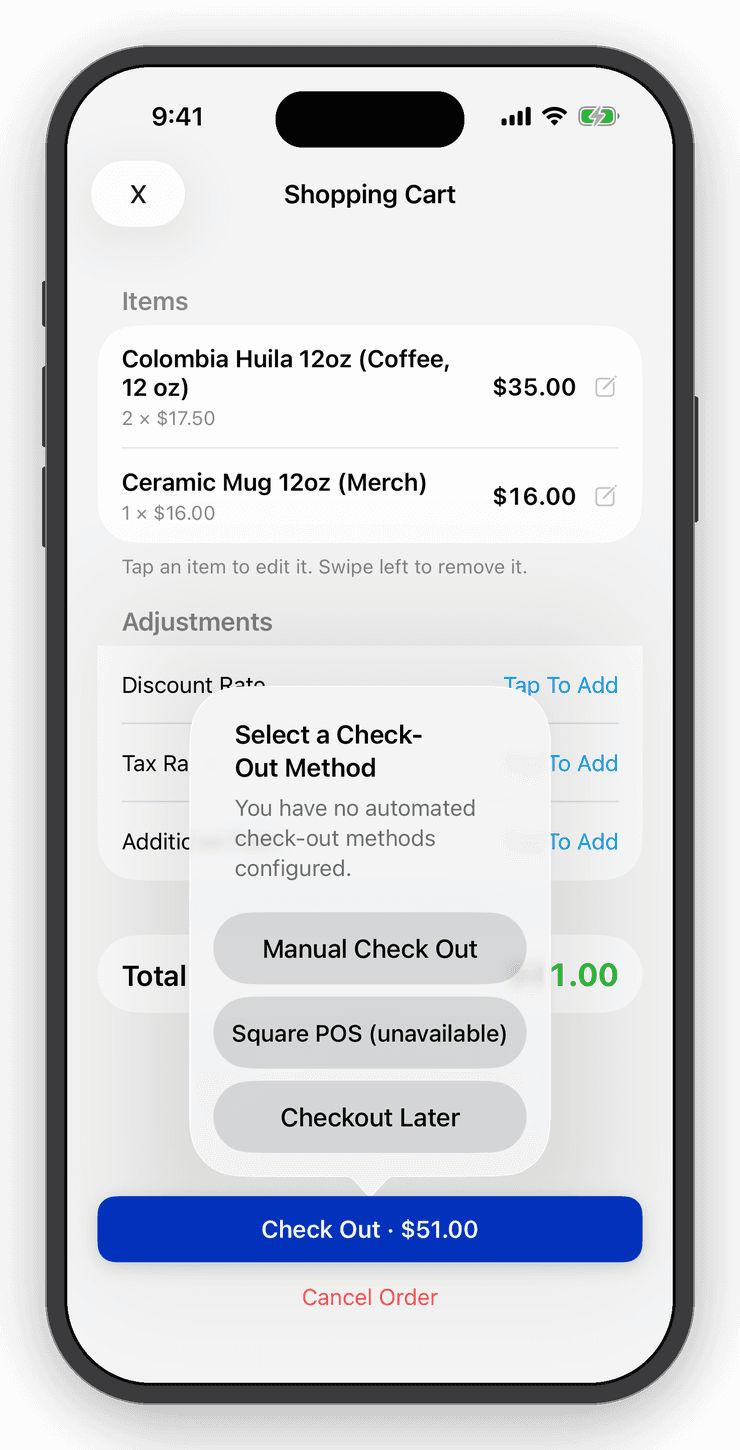
Add items to the cart, apply tax, fees and discounts, and check out with Tap to Pay, Square, a Stripe payment link or cash. Every checkout becomes an order with a receipt, and stock updates the moment it is paid.


- Nº 1
No monthly POS fee
Use the phone or iPad you already have. Cards go through Tap to Pay, Square or a Stripe payment link.
- Nº 2
Stock updates itself
Every sale adjusts inventory, and Shopify follows if it is connected.
- Nº 3
Staff-safe
Register Mode hides costs and margins from whoever is on the counter.
Cart
Cart, tax and discounts.
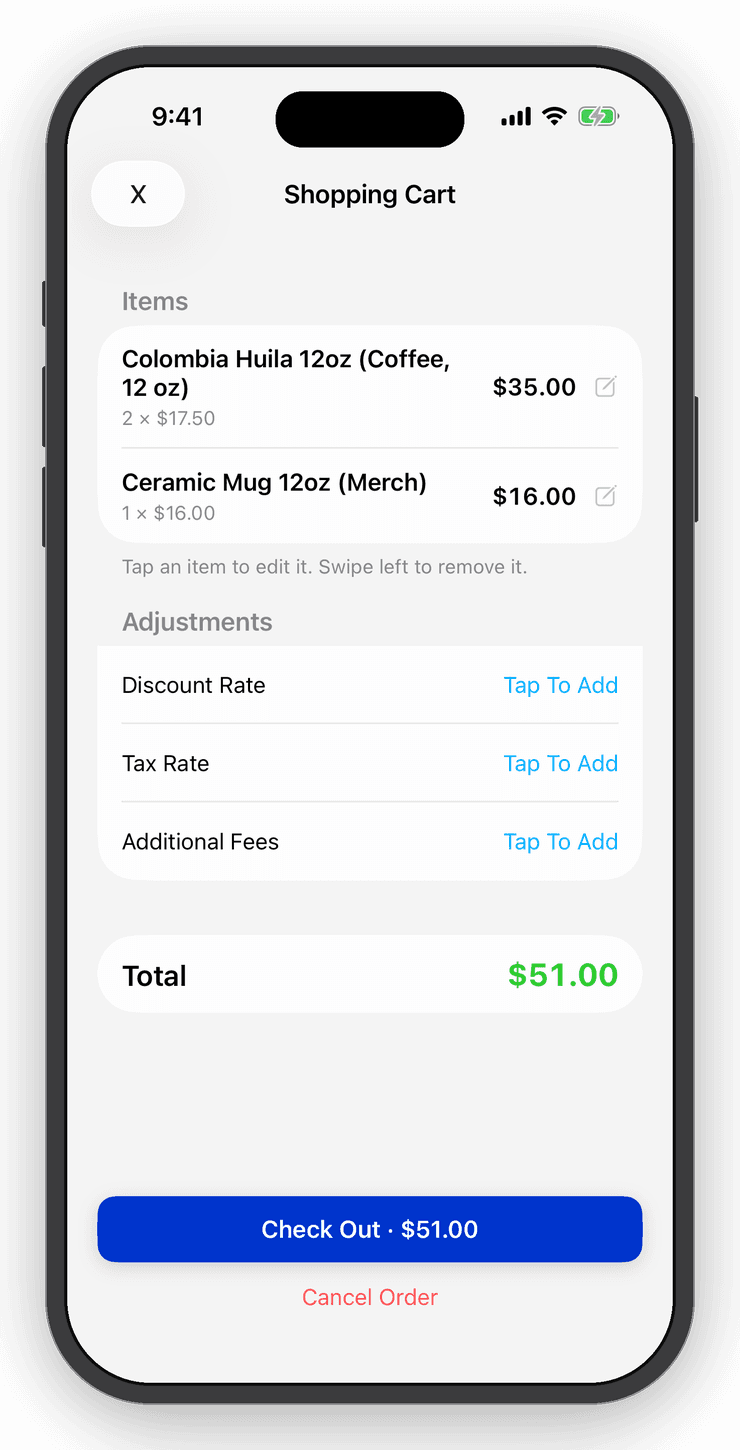
Scan or tap to add items, set tax rates, add fees or discounts, and check out. Prefer selling from the item? Press Sell and Add to Cart is one tap away.
Check Out with Stripe
No reader? Send a link or show a QR code.
Choose Check Out with Stripe and your customer pays on their own phone by card, Apple Pay, Google Pay and more. Text the link, or show it as a QR code at the counter. The order is marked paid when the payment lands, and the customer can cover the processing fee if you choose.
Receipts
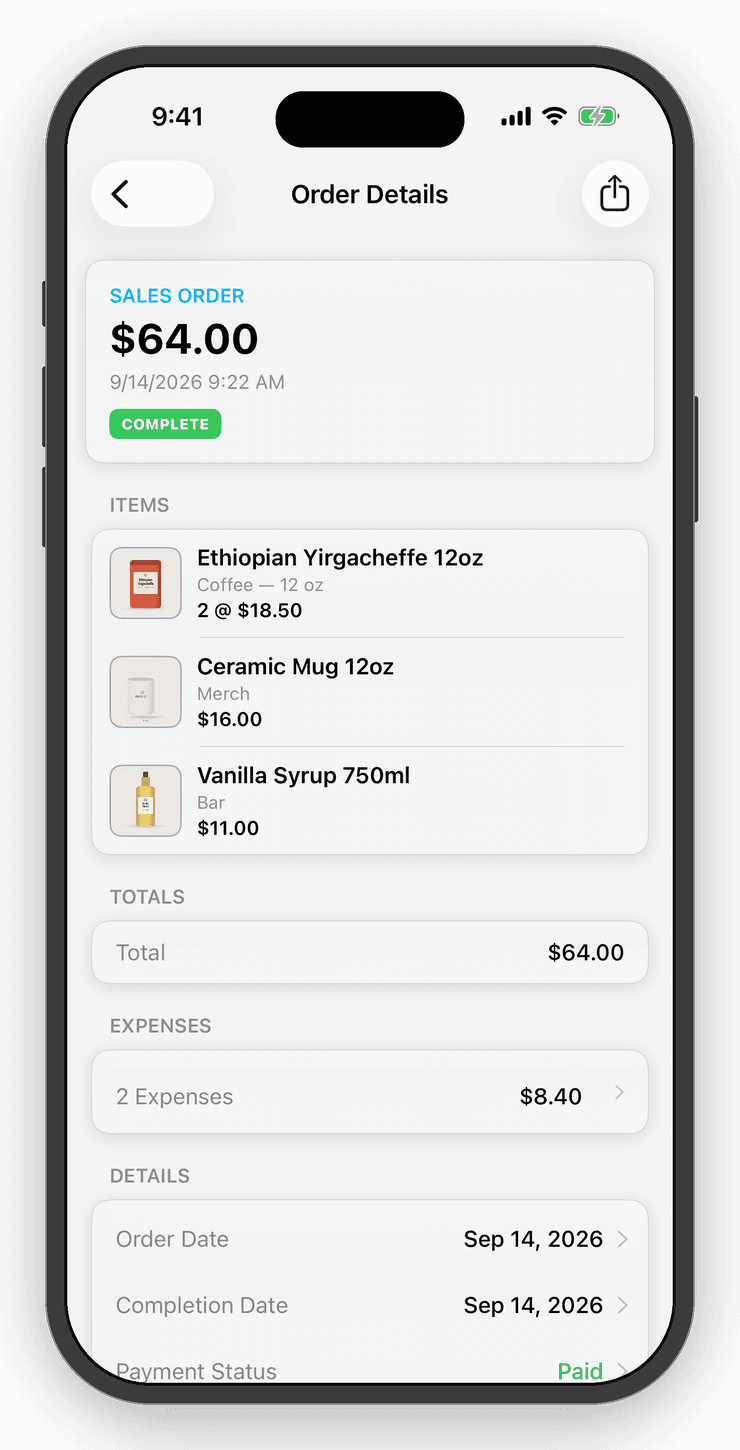
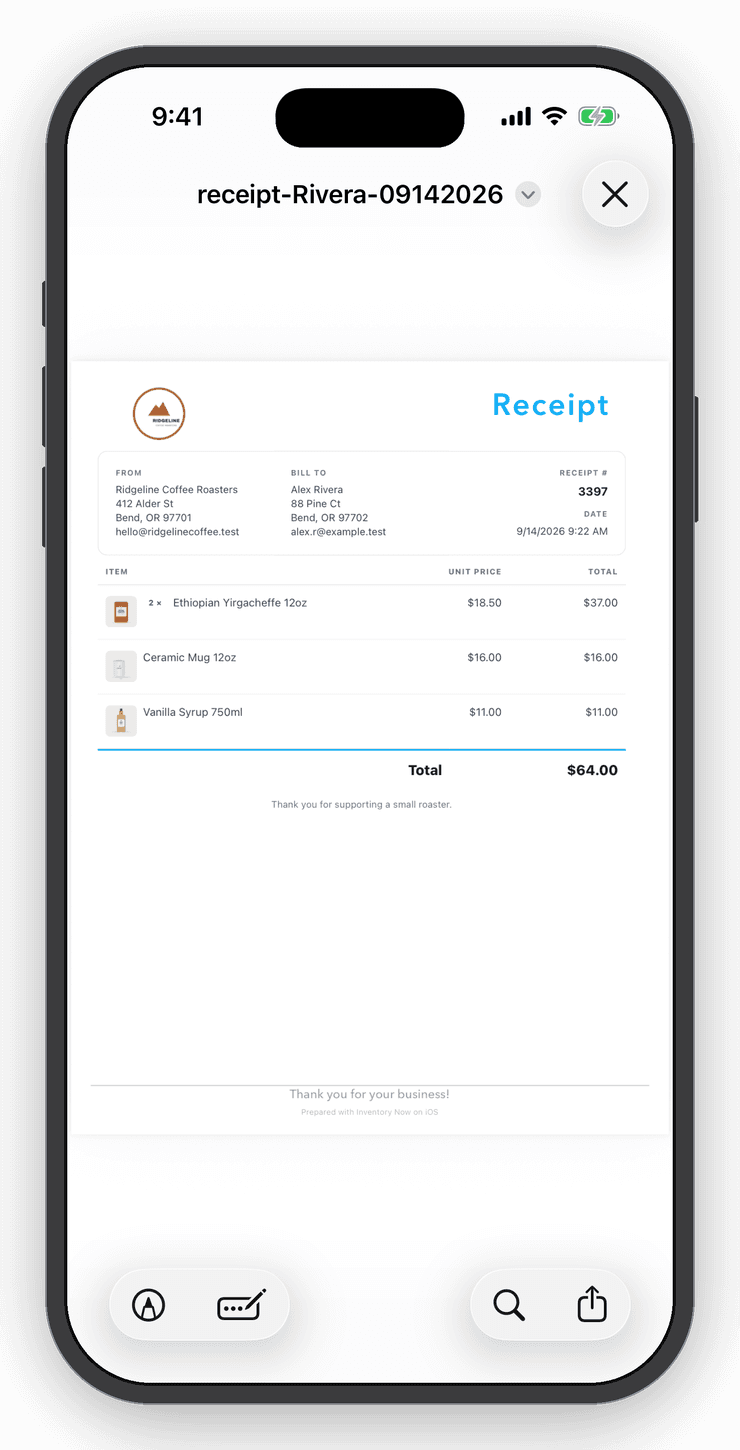
Receipts with your logo.
Send receipts and invoices from the order with your logo, item photos and footnotes.
Reports
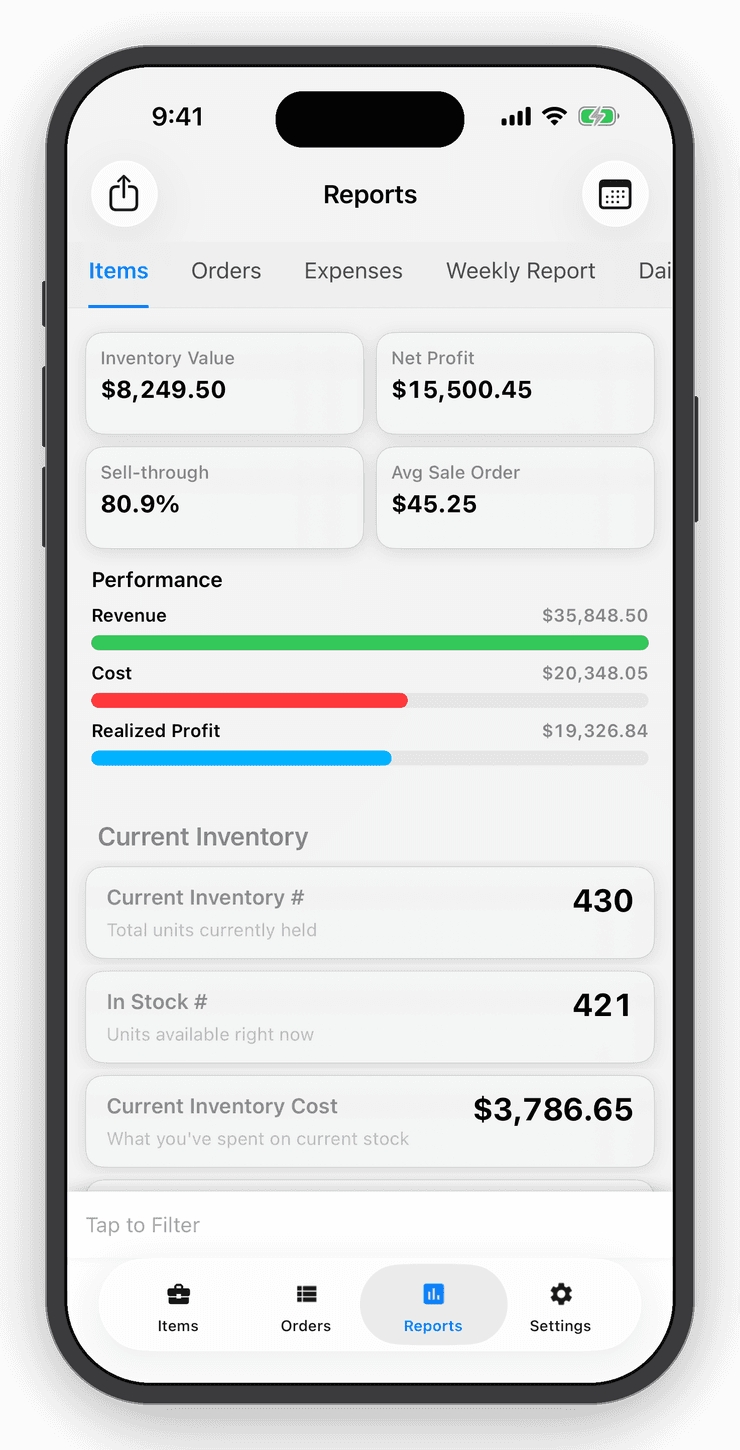
Profit, margins and value in one tap.
See what your inventory is worth, what you sold and what you made, filtered by item, category, location, user or date range. Expense tracking turns gross profit into True Profit.
Questions
Good to know
Use Tap to Pay on a supported phone, Square Point of Sale (with or without a reader), or Check Out with Stripe, which gives your customer a link or QR code to pay from their own phone. Cash sales use Mark as Paid.
Free for your first 25 items.
No account, no card. When the shelf gets crowded, Personal is $10 a month.