
Barcode label printer
Every item gets a sticker.
Generate a barcode or SKU in Inventory Now, print it on a $40 wireless label printer, stick it on the box. We tested the SUPVAN T50M Pro, which prints from your phone over Bluetooth and ships with a roll of labels.


- Nº 1
Items without a barcode
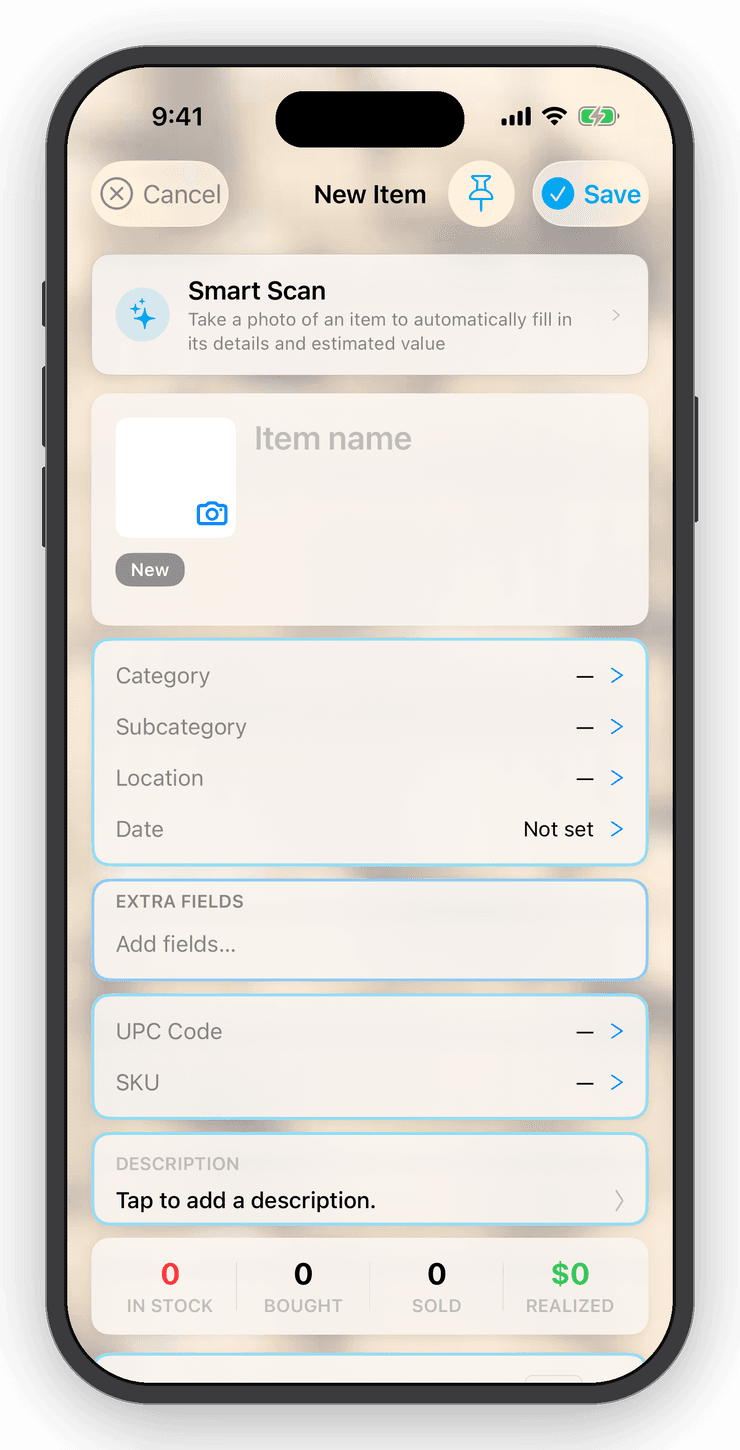
Handmade, bulk or vintage stock has no UPC. Generate one in the app, print it, and the scanner finds the item next time.
- Nº 2
Labels in bulk
Export every barcode and SKU to a Photos album in one go, then print the whole album one sticker at a time.
- Nº 3
Nothing to wire up
The printer pairs with the free Katasymbol app over Bluetooth. Inventory Now hands over the images; the printer app does the printing.
SUPVAN T50M Pro Bluetooth label printer
Thermal and inkless, prints labels from ¾ to 2 inches wide, and comes with one roll. Pairs with the free Katasymbol app on your iPhone.
Amazon list price when we checked, October 2026; often less with Prime.
Setup
Pair the printer.
- Step 1
Install Katasymbol
Search the App Store for Katasymbol, the printer's free companion app. No account needed.
- Step 2
Pair over Bluetooth
Turn the printer on, open Katasymbol and add your printer. Once it is paired you print wirelessly from the app.
One label
Print a single barcode.
- Step 1
Open the item's barcode
In Inventory Now, open the item and tap its barcode or SKU to see the label.
- Step 2
Save to Camera Roll
Tap Save to Camera Roll. The label lands in Photos as an image.
- Step 3
Print it
In Katasymbol open your printer, choose Images print, pick the label from your camera roll and print.
In bulk
Print every barcode at once.
A few minutes of export, then one print job.
- Step 1
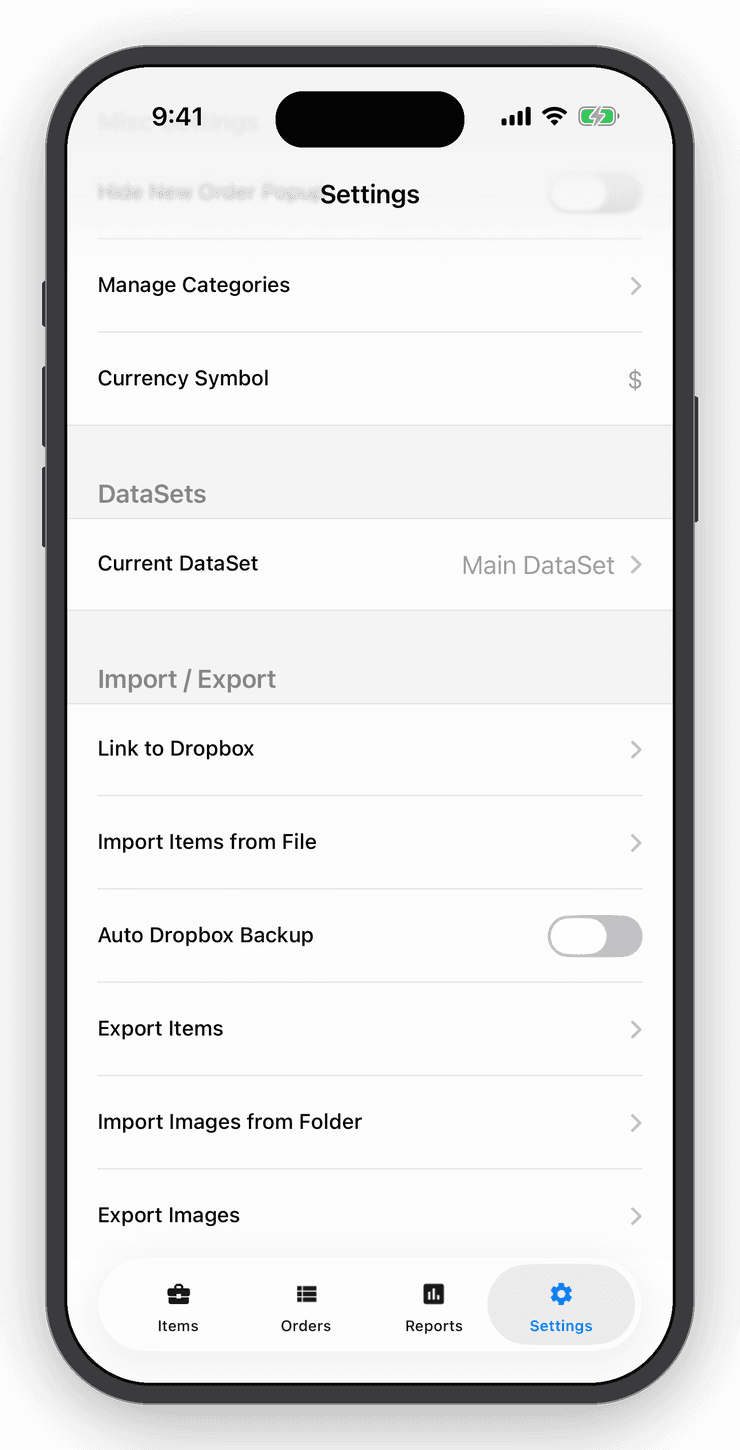
Export barcodes and SKUs
Go to Settings › Export Barcodes and SKUs and choose Write to Camera Roll Gallery. Grant full Photos access when asked, so the app can file the labels into their own album. You get one label per barcode and per SKU for every item; a large inventory takes a few minutes.
- Step 2
Print the album
In Katasymbol select your printer, choose Images print, then multi-select everything in the Photos album named Inventory Now Barcodes with today's date. The printer runs through them, one label each.
- Step 3
Tidy up
When the labels are out, open Photos, find that Inventory Now Barcodes album and delete it to clear the images from your camera roll.
Barcodes & SKUs
Generate the code, then print it.
Items with no UPC get one in a tap: Inventory Now generates a 13-digit barcode and an 8-character SKU, both of which print cleanly on a small label. Barcode sheets and the Photos export give you the same codes as images, ready for any printer.
Questions
Good to know
No. Inventory Now saves plain barcode images, so any label printer whose app can print a photo works. The SUPVAN T50M Pro with the Katasymbol app is the combination we tested.
Free for your first ten items.
No account, no card. When the shelf gets crowded, Personal is $10 a month.