
Invoices & receipts
Paperwork that already knows the order.
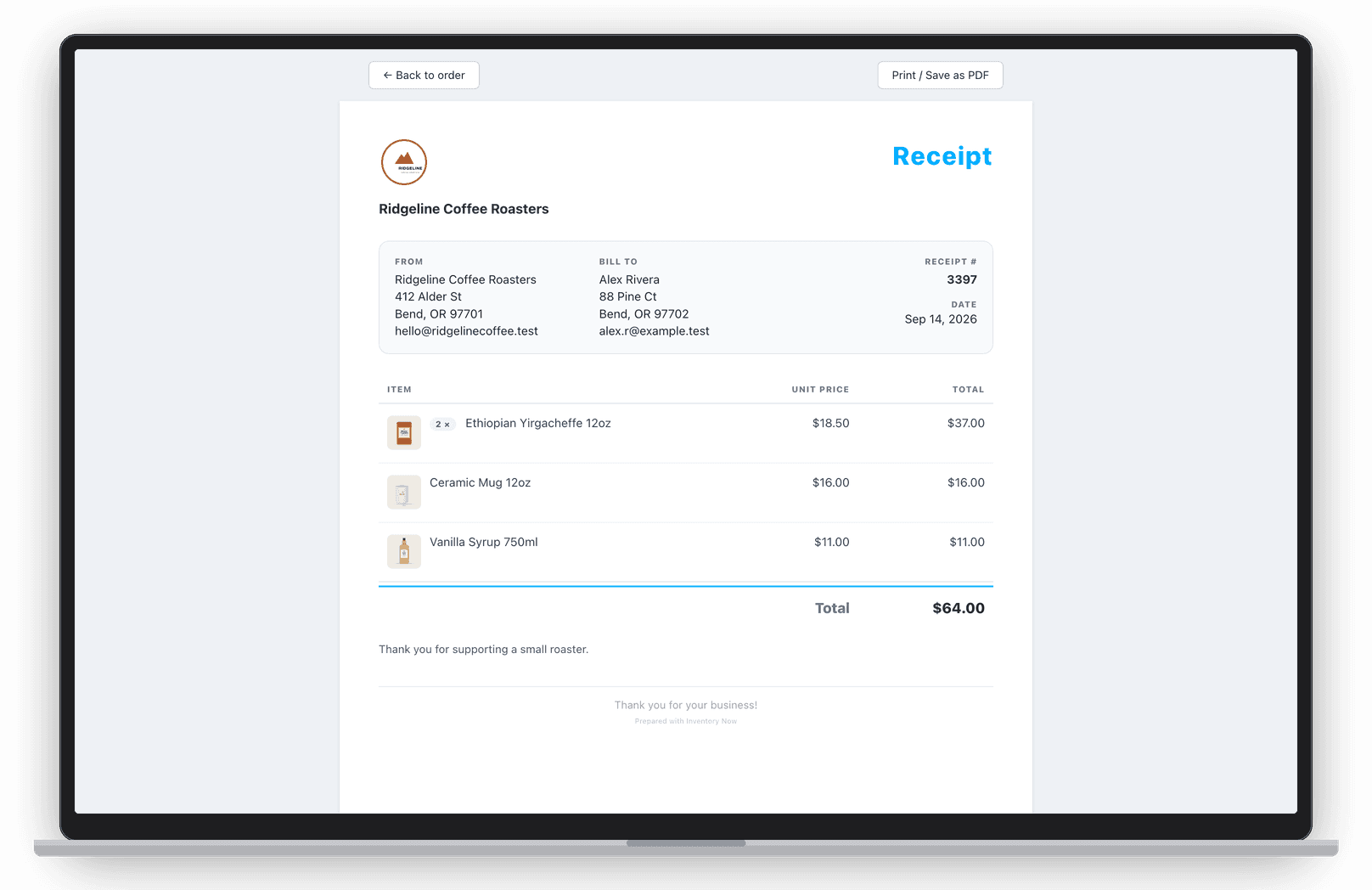
Every sale is an order with the customer, the lines, the expenses and the profit. Send a branded invoice or receipt from it in a tap, and let QuickBooks Online receive the receipt.


- Nº 1
Your brand on it
Logo, item photos and your own footnotes on every invoice and receipt.
- Nº 2
Customers remembered
Add customer and shipping details to the order; Professional adds customer management.
- Nº 3
Straight to the books
Sales and refunds post to QuickBooks Online as receipts.
Orders
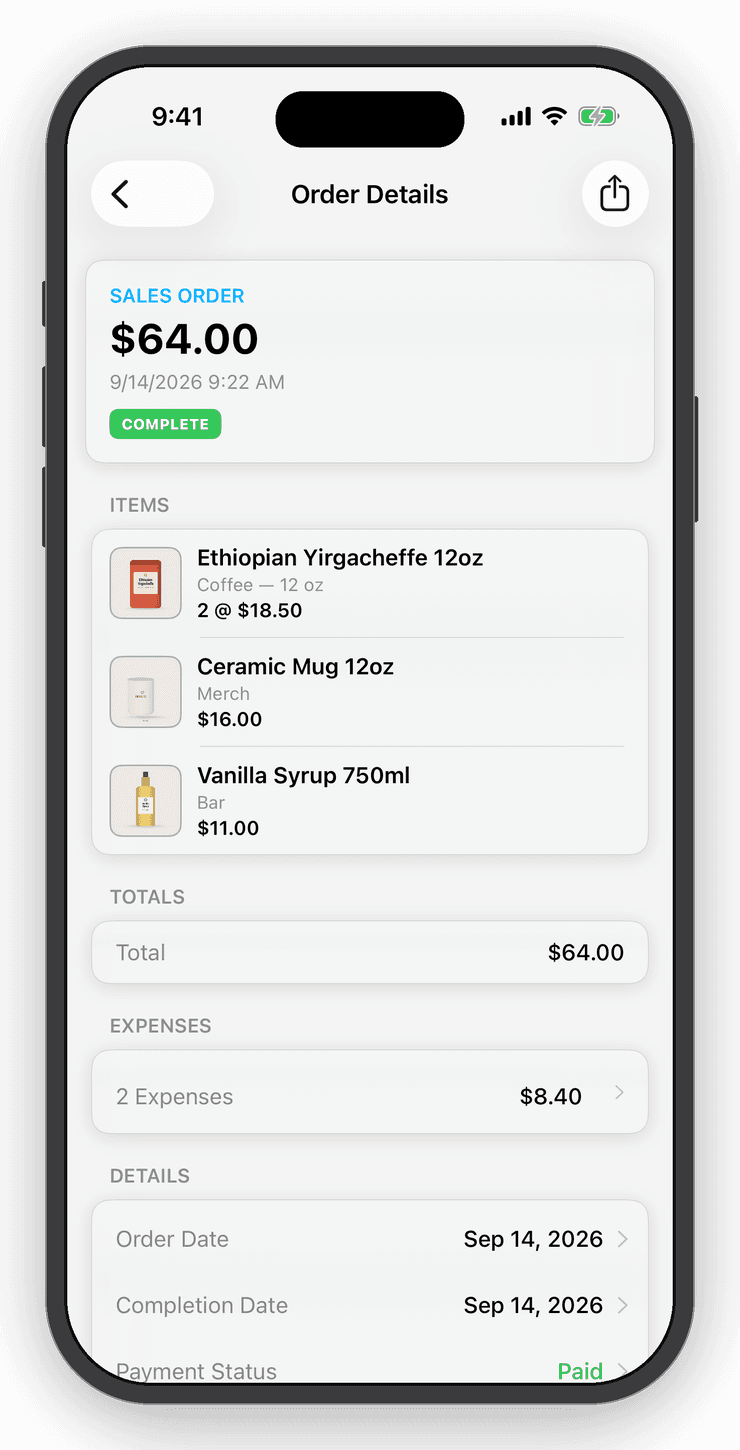
Every sale, tracked with true profit.
Add the customer and shipping details, attach expenses like postage and fees, and see the true profit on the order.
Receipts
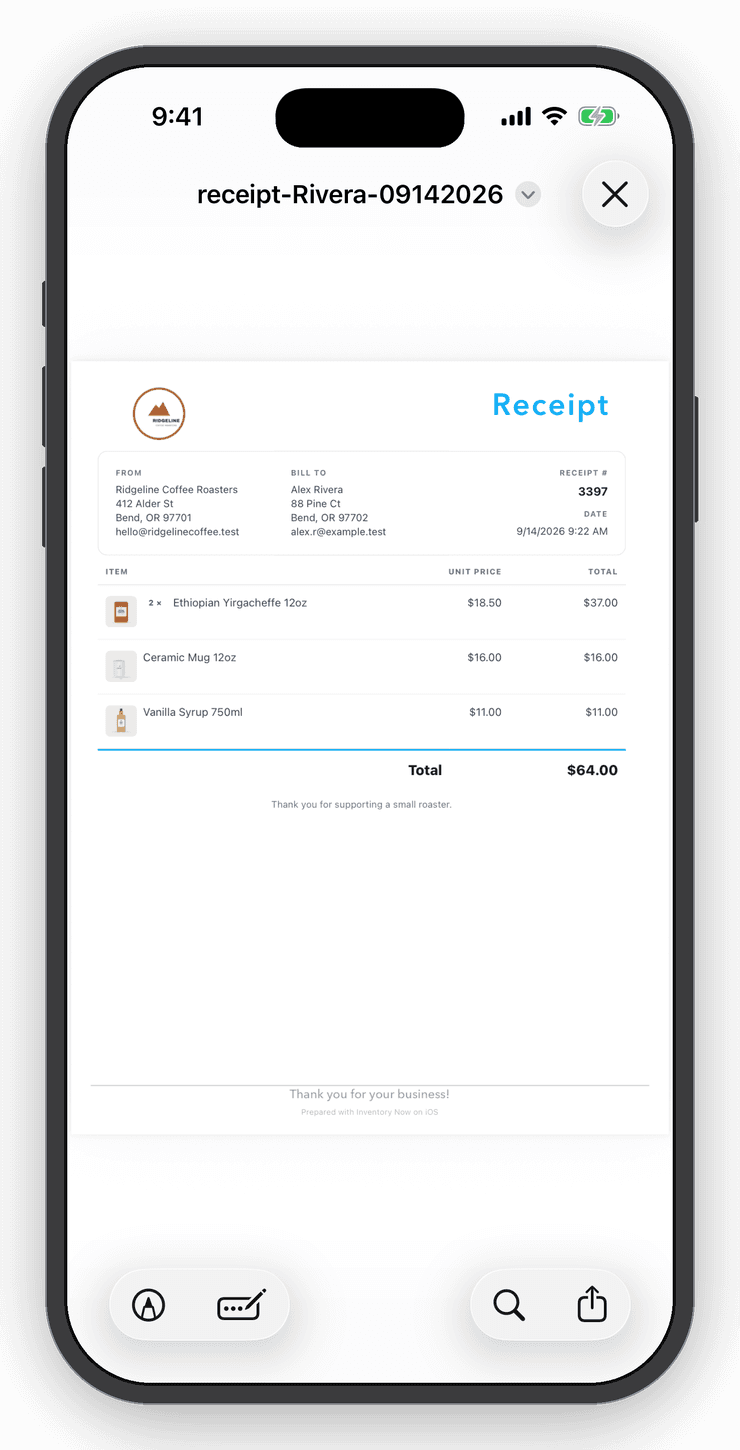
On the phone or the desk.
Preview and share receipts on the phone, or send invoices from the web app.
Refunds
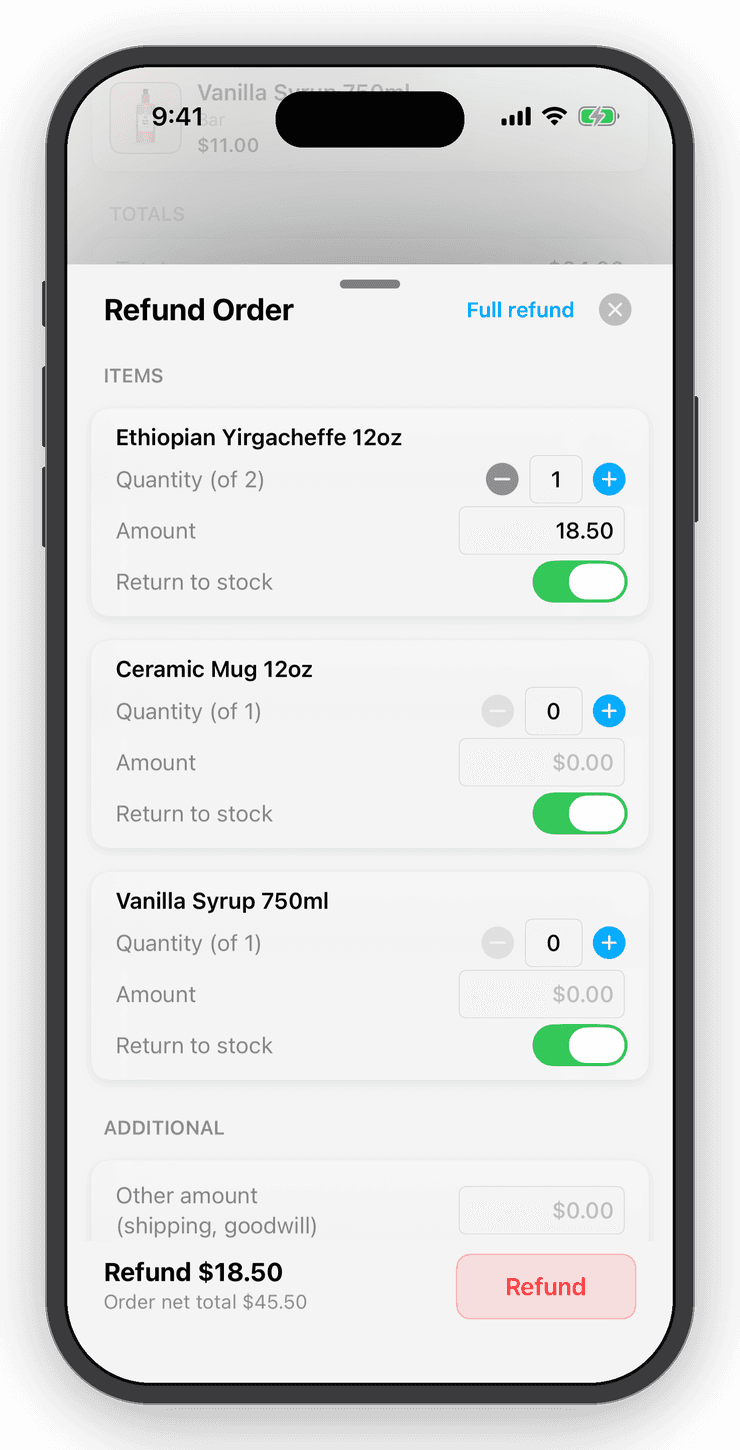
Refunds that don't rewrite history.
Refund in full or one line at a time; the original sale stays and the refund sits beside it.
Questions
Good to know
Yes. Upload a logo in Settings and it appears on invoices and receipts, along with item photos if you enable them.
Keep exploring
Free for your first ten items.
No account, no card. When the shelf gets crowded, Personal is $10 a month.