
Etsy integration
Your Etsy shop, counted with everything else.
Connect Etsy and your orders and fees import on their own. Listings link to your items by SKU, so a sale at a market or on Shopify updates the quantity on Etsy, and an Etsy sale takes it off your shelf here.


- Nº 1
Overselling
Sell the last one in person and the Etsy listing goes inactive instead of taking an order you cannot fill. Restock and it comes back.
- Nº 2
Fees eat the margin
Each Etsy order brings its Etsy fees with it as an expense, so the order shows the profit you kept, not the sale price.
- Nº 3
Listing it twice
Push an item from Inventory Now to Etsy as a draft with its title, price, quantity and photos, then finish it on Etsy.
Orders & fees
Every Etsy sale, with its fees already attached.
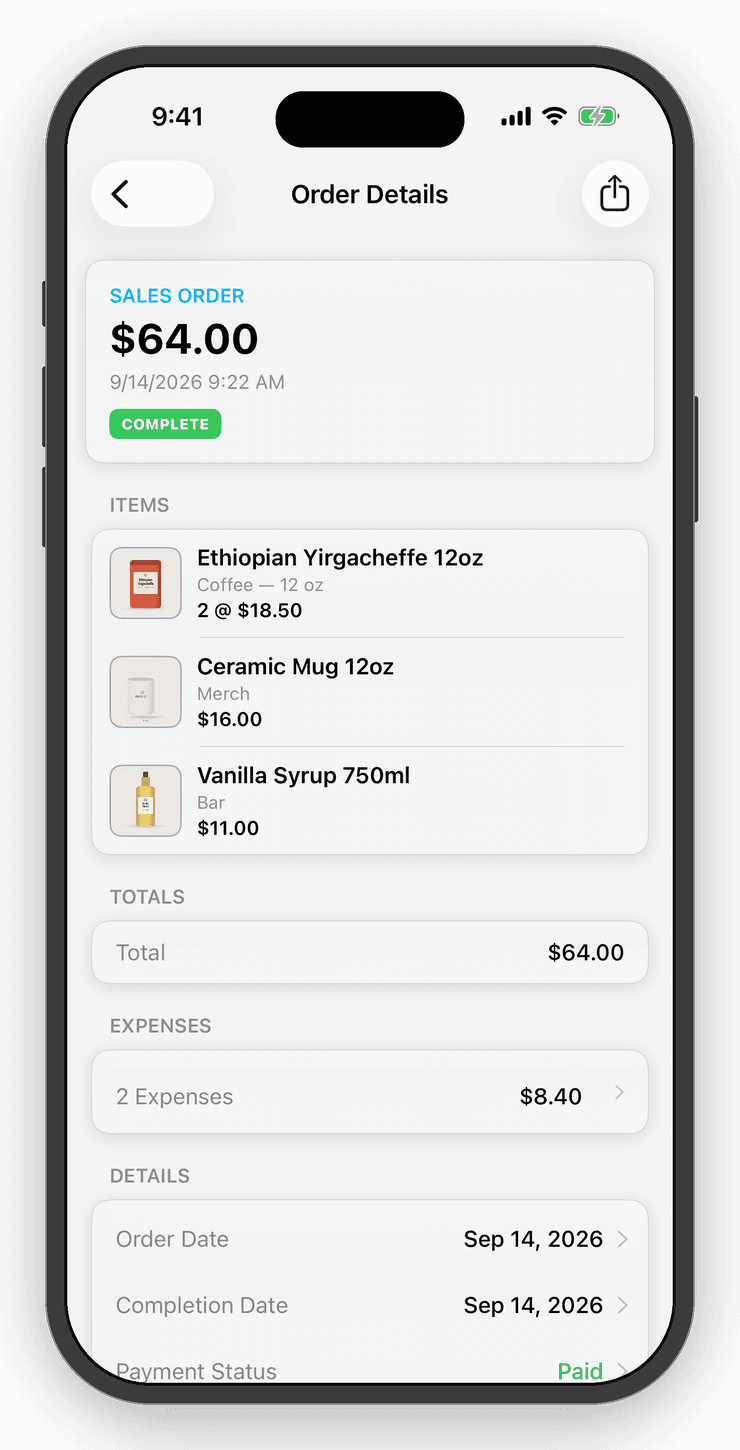
Each paid Etsy order becomes an order here, matched to your items, and adjusts stock. Etsy's fees arrive as an expense on the order, so True Profit is right without any typing. Add postage and packaging and every cost can post to QuickBooks.
Stock counts
One count for the shop, the market and Etsy.
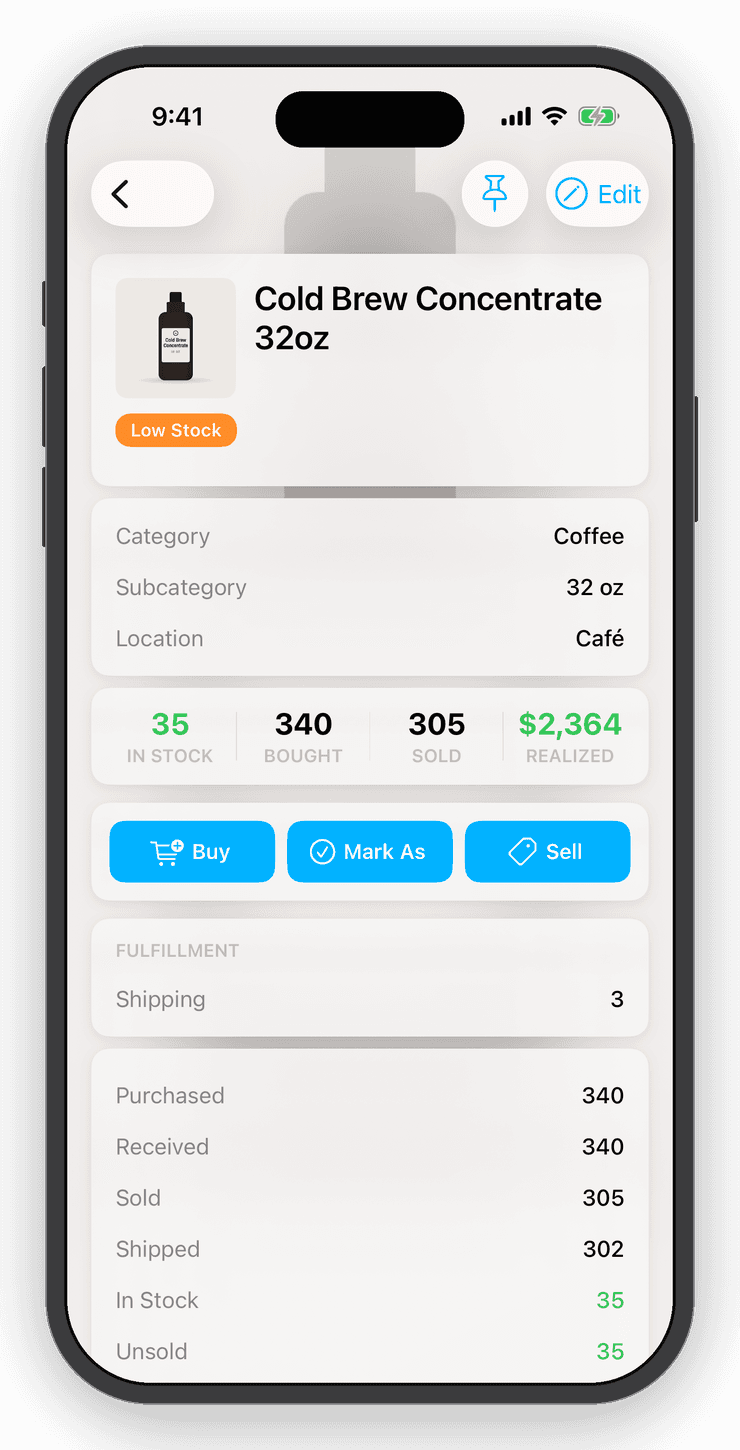
Listings link to items by SKU. Buy, sell or count stock anywhere and the linked Etsy quantity follows. When an item sells out the listing is set inactive, and when you restock it is reactivated.
Edit a linked item's name, price or description in Inventory Now and the change goes to Etsy. A sync on its own never rewrites your listings.
Refunds
Refunds that don't rewrite history.
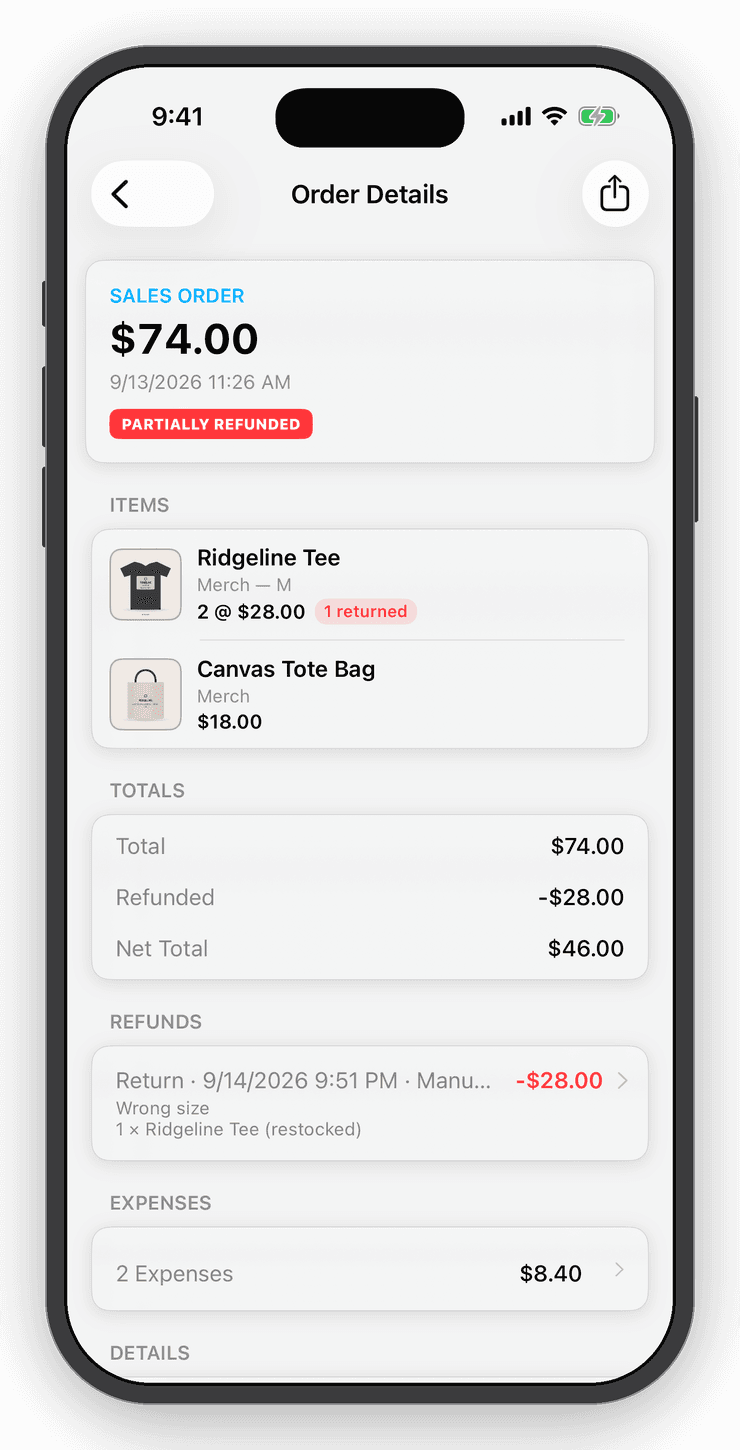
Refunds issued on Etsy import beside the original sale rather than replacing it, so gross and net both stay visible and last month's revenue never quietly changes.
Questions
Good to know
Paid Etsy orders and their fees import automatically, cancellations and refunds included. Listings link to your items by SKU, stock counts stay in step both ways, and you can push a new item to Etsy as a draft.
Free for your first ten items.
No account, no card. When the shelf gets crowded, Personal is $10 a month.