
Square Point of Sale integration
Your inventory, Square's card reader.
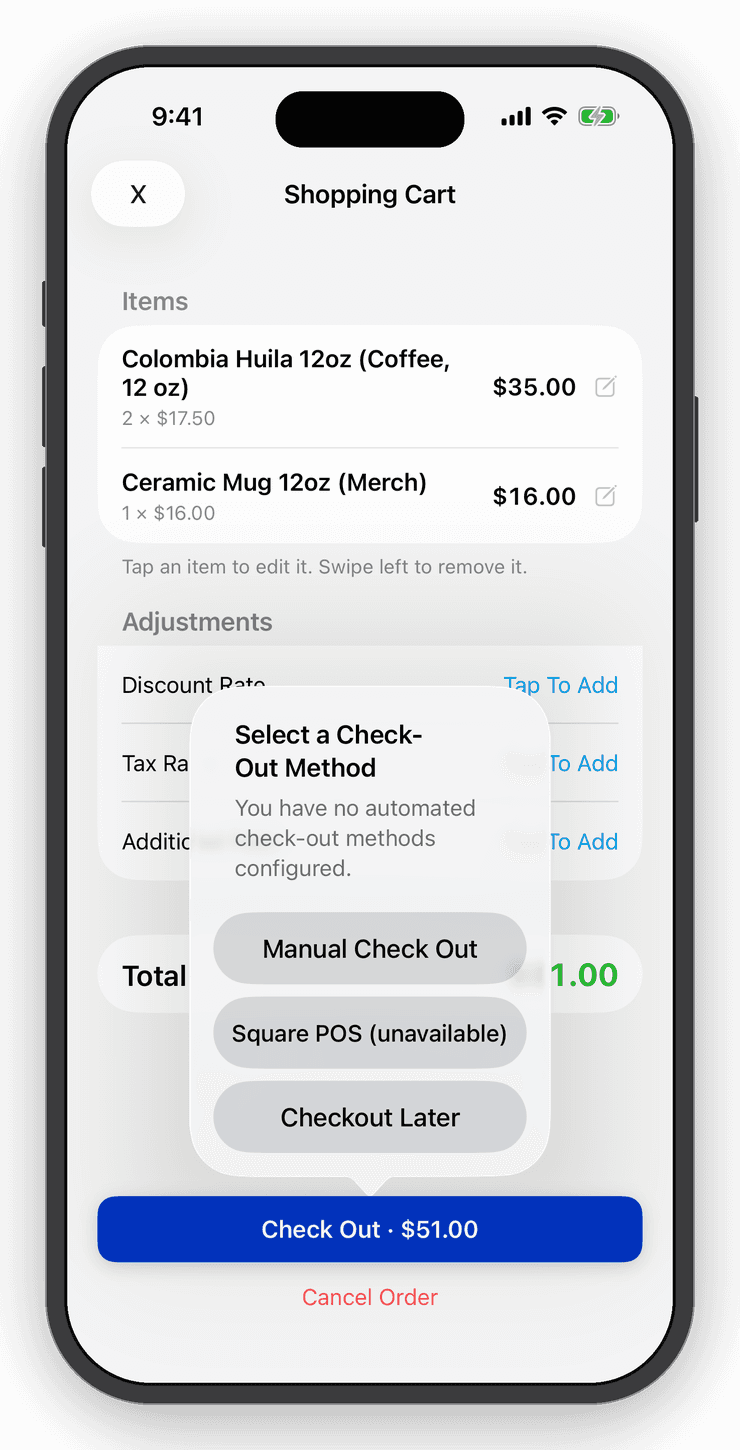
Fill the cart, add tax and discounts, tap Check Out with Square. Square takes the payment and returns to Inventory Now, which marks the order paid and adjusts stock. No double entry.


- Nº 1
Two apps, one sale
Inventory Now passes the exact order total to Square and Square passes the result back. You never type the amount twice.
- Nº 2
Cash and card together
Choose Manual Checkout for cash and Square for cards. Every checkout becomes an order with a receipt either way.
- Nº 3
Staff at the counter
Register Mode gives staff a cost-free counter that hides your buy prices and margins.
Cart
A point of sale in your pocket.
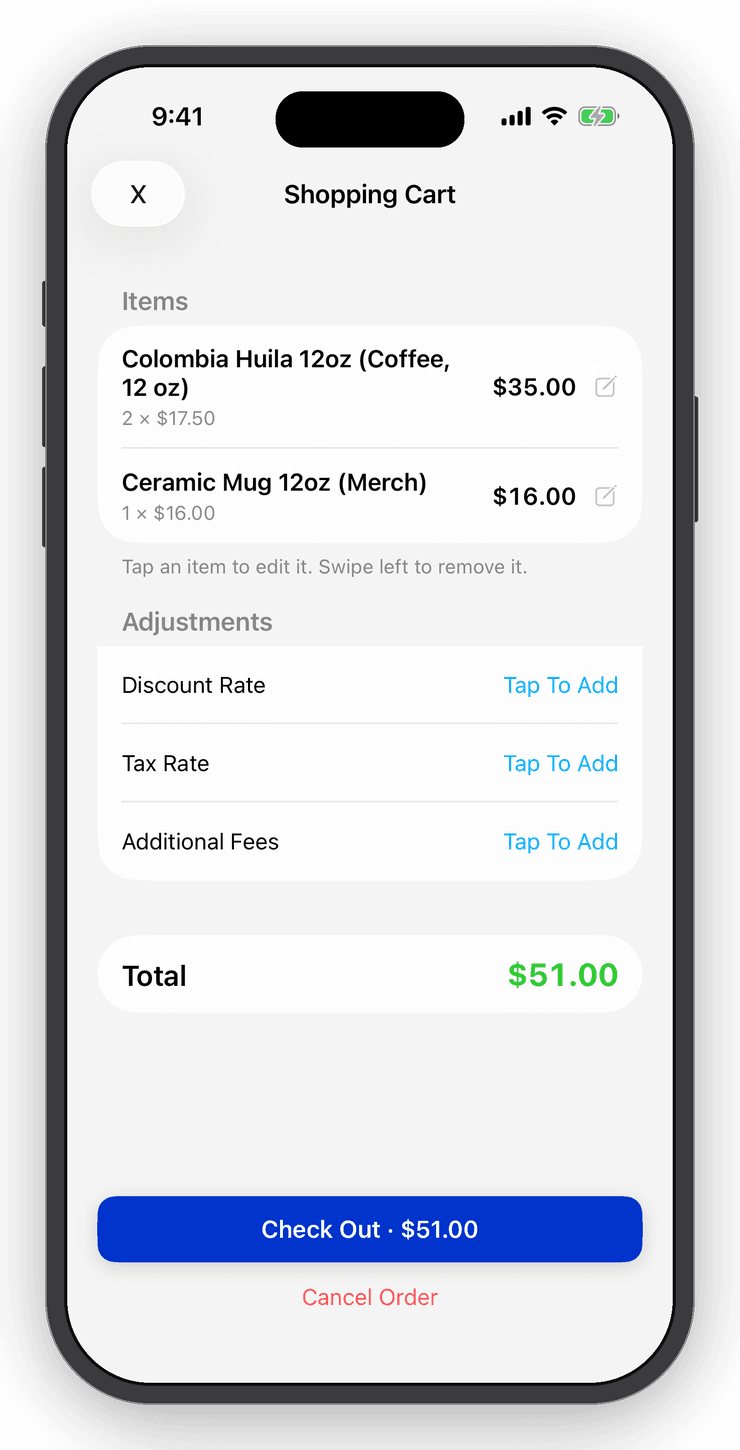
Add items to the cart with a scan or a tap, apply tax, fees and discounts, and check out. Prefer selling straight from the item? Press Sell, enter the quantity, and Add to Cart is one tap away.
Receipts
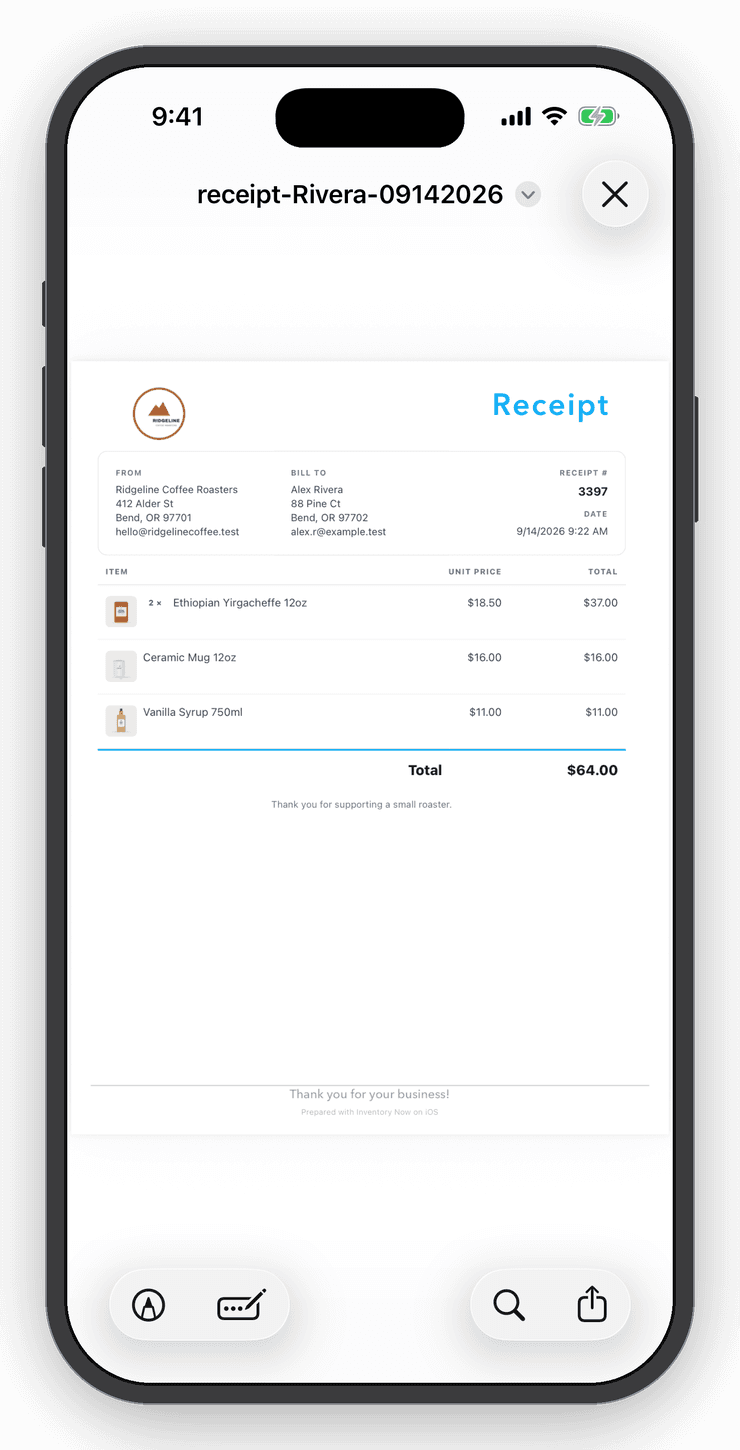
Receipts and invoices from the order.
Every checkout becomes an order. Send a receipt or invoice with your logo and item photos from the order screen, by email or share sheet.
Reports
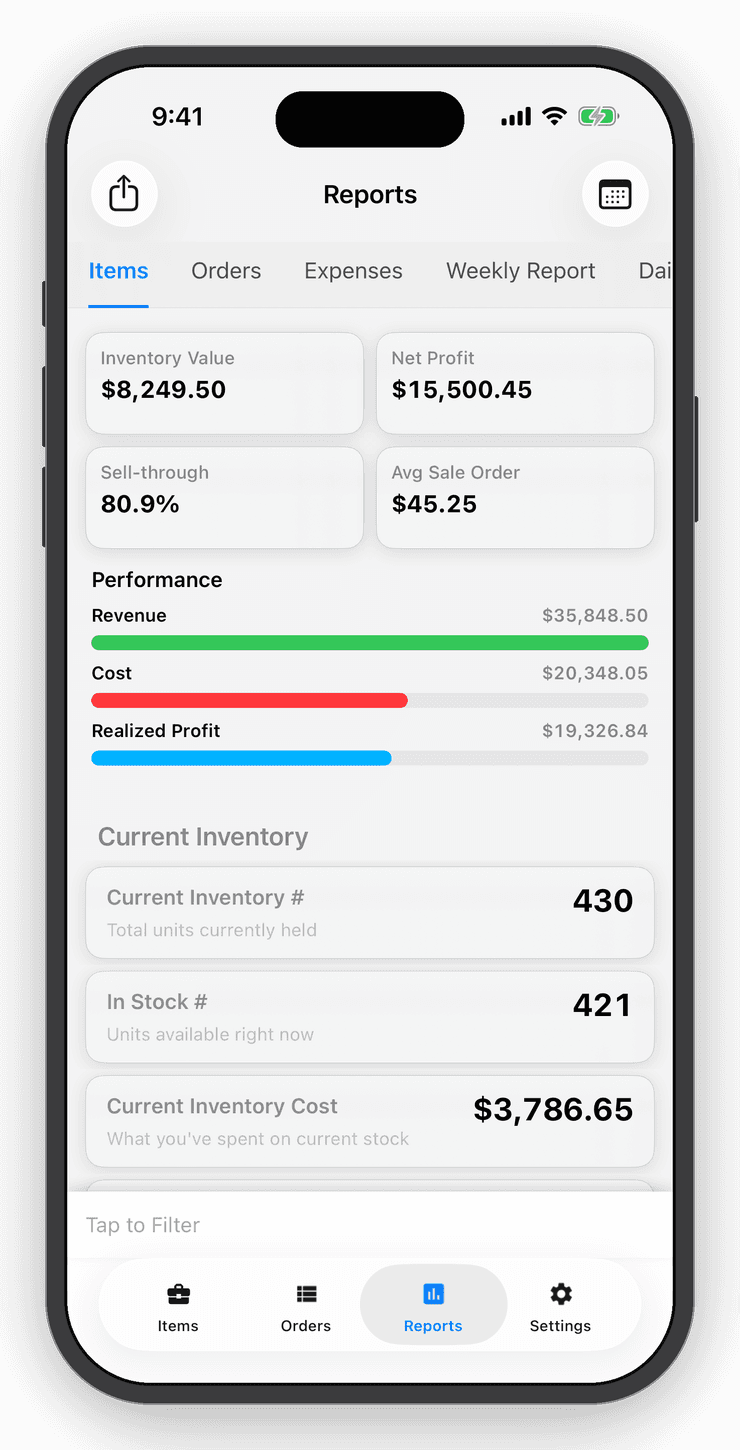
Profit, margins and value in one tap.
See what your inventory is worth, what you sold and what you made, filtered by item, category, location, user or date range. Expense tracking turns gross profit into True Profit.
Questions
Good to know
Install the Square Point of Sale app and sign in to your Square account. In Inventory Now, choose Square at checkout; the order total is handed to Square and the result returns automatically.
Free for your first ten items.
No account, no card. When the shelf gets crowded, Personal is $10 a month.