
For warehouses & multiple locations
One product. Three shelves. One number.
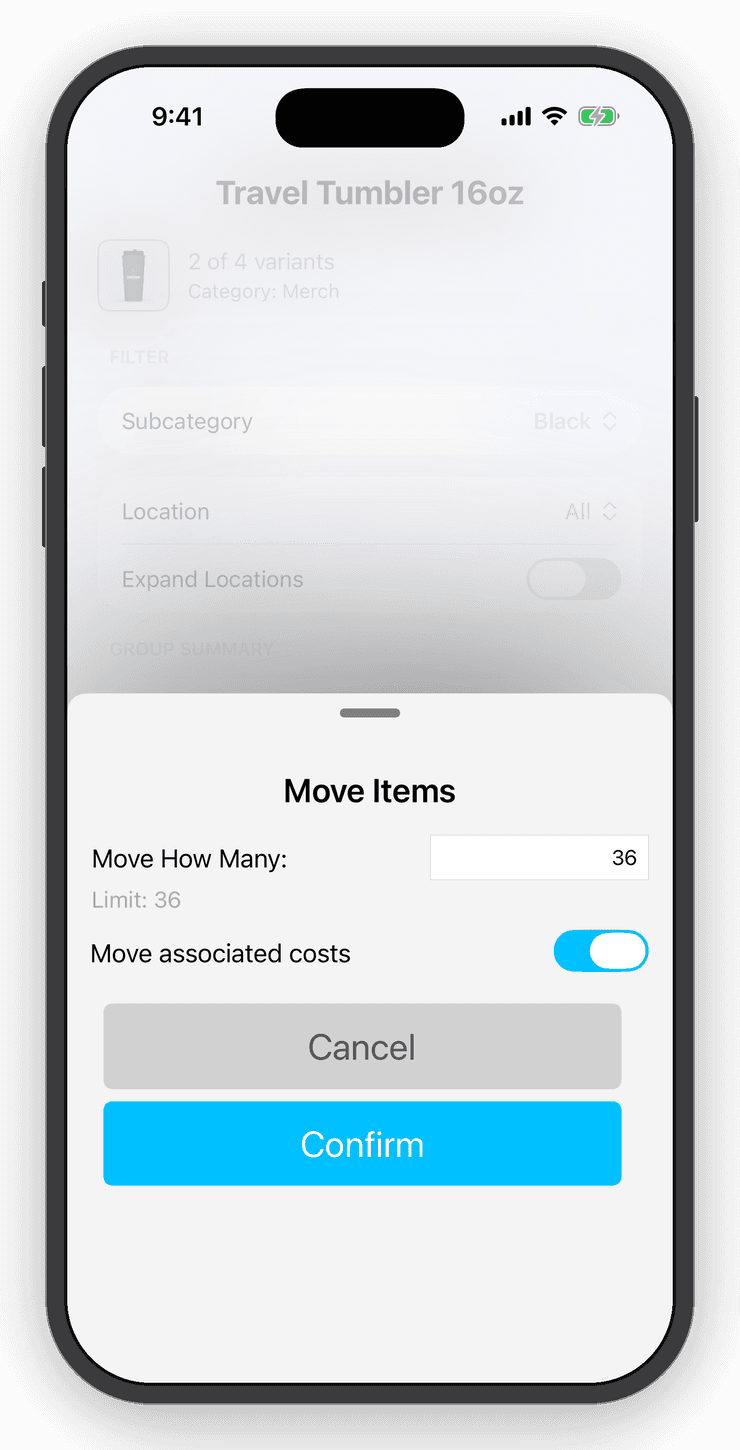
Variants group a product across locations so you see the total and the split at once. Drag stock from the warehouse to the storefront, count each location on its own, and let stock velocity tell you what to move next.


- Nº 1
Transfers on paper
Drag a quantity from one location to another and both counts, and the cost that moves with them, update.
- Nº 2
Counting one room at a time
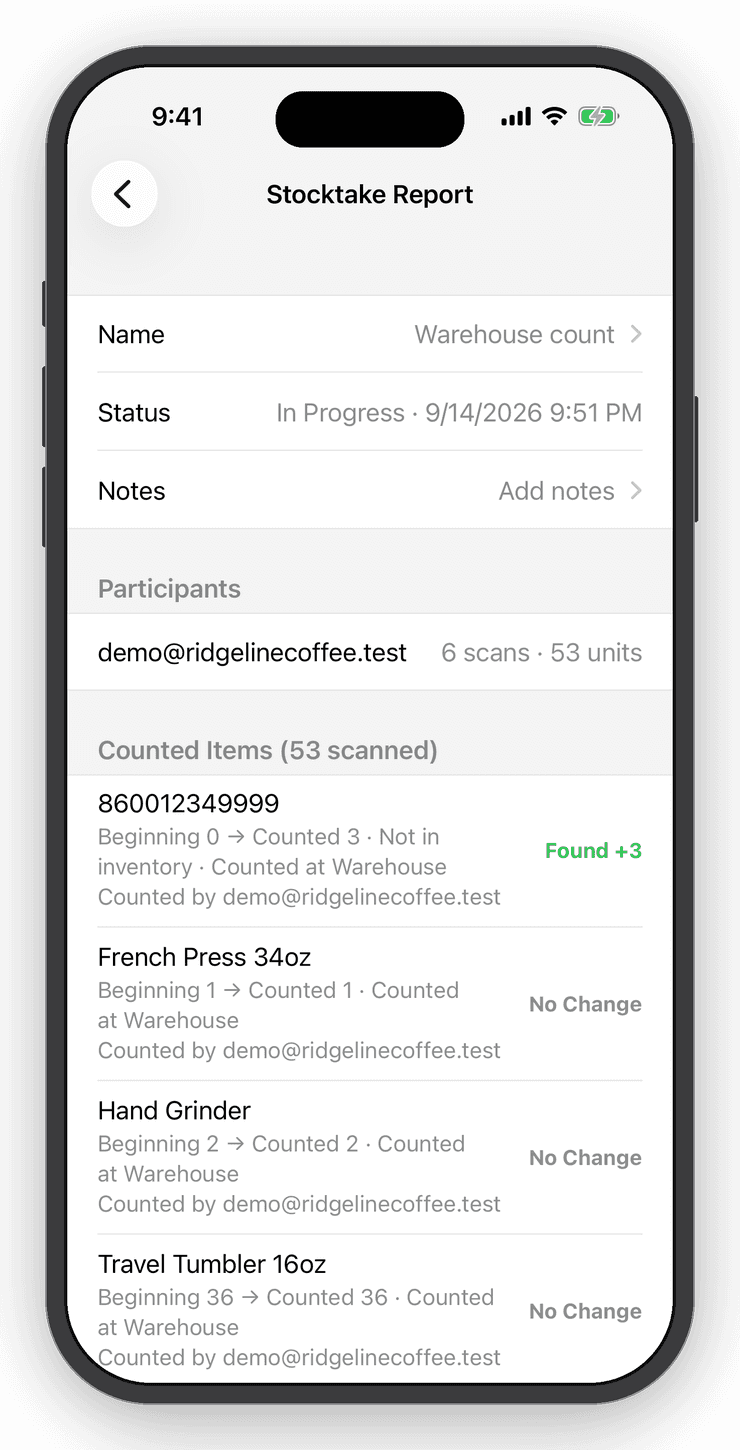
Stocktakes are per location, survive interruptions and produce a discrepancy report.
- Nº 3
Who changed what
Sub-users with permissions and the daily activity email keep a paper trail.
Variants & locations
One product, every location.
Link items into a variant group across warehouse, storefront and van. See the group's totals in one line and drag stock from one location to another.
Stocktakes
Count a shelf, a room, or the whole store.
Start a stocktake, choose where you are counting and scan. Preview every discrepancy before you commit, then keep a report of what changed. Undo puts it all back.
Web app
Start on the phone, finish at the desk.
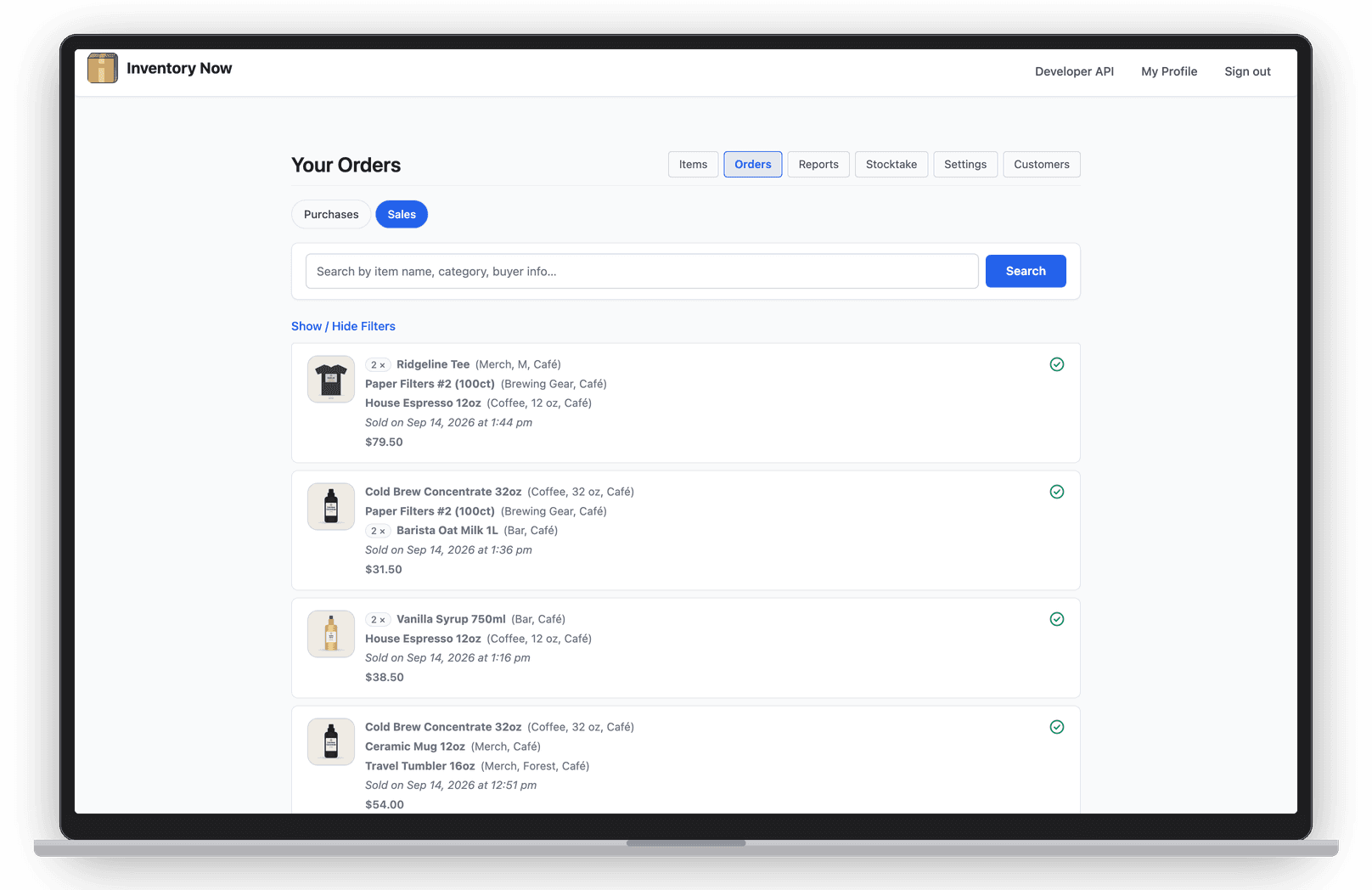
The full web app runs in any browser for the office: items, orders, integrations and invoices, all synced with the phones on the floor.
Questions
Good to know
No. Add as many locations and categories as you need and filter reports by them.
Keep exploring
Free for your first ten items.
No account, no card. When the shelf gets crowded, Personal is $10 a month.