
For equipment & tool tracking
Who has the drill?
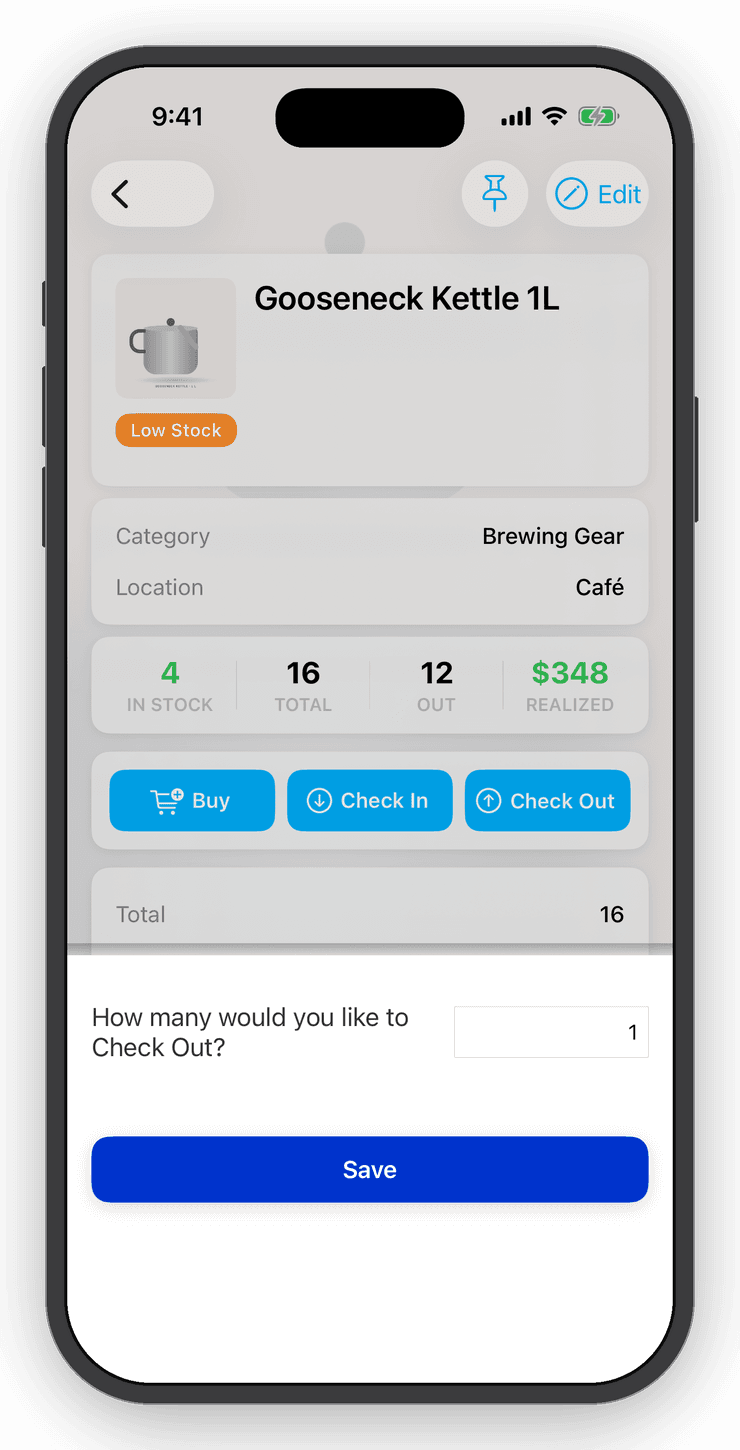
Switch the lifecycle to check-out / check-in and every item tracks who has it and when it came back. Generate barcode labels for gear that never had one and scan it in and out.


- Nº 1
Gear walks off
Scan it out to a person, scan it back in. The item shows its current holder and history.
- Nº 2
No barcodes on tools
Generate UPCs or SKUs in one tap and export a barcode sheet for printing.
- Nº 3
Counting the cage
Run a stocktake by location and preview every discrepancy before committing.
Check-out lifecycle
Bought → checked out → checked in.
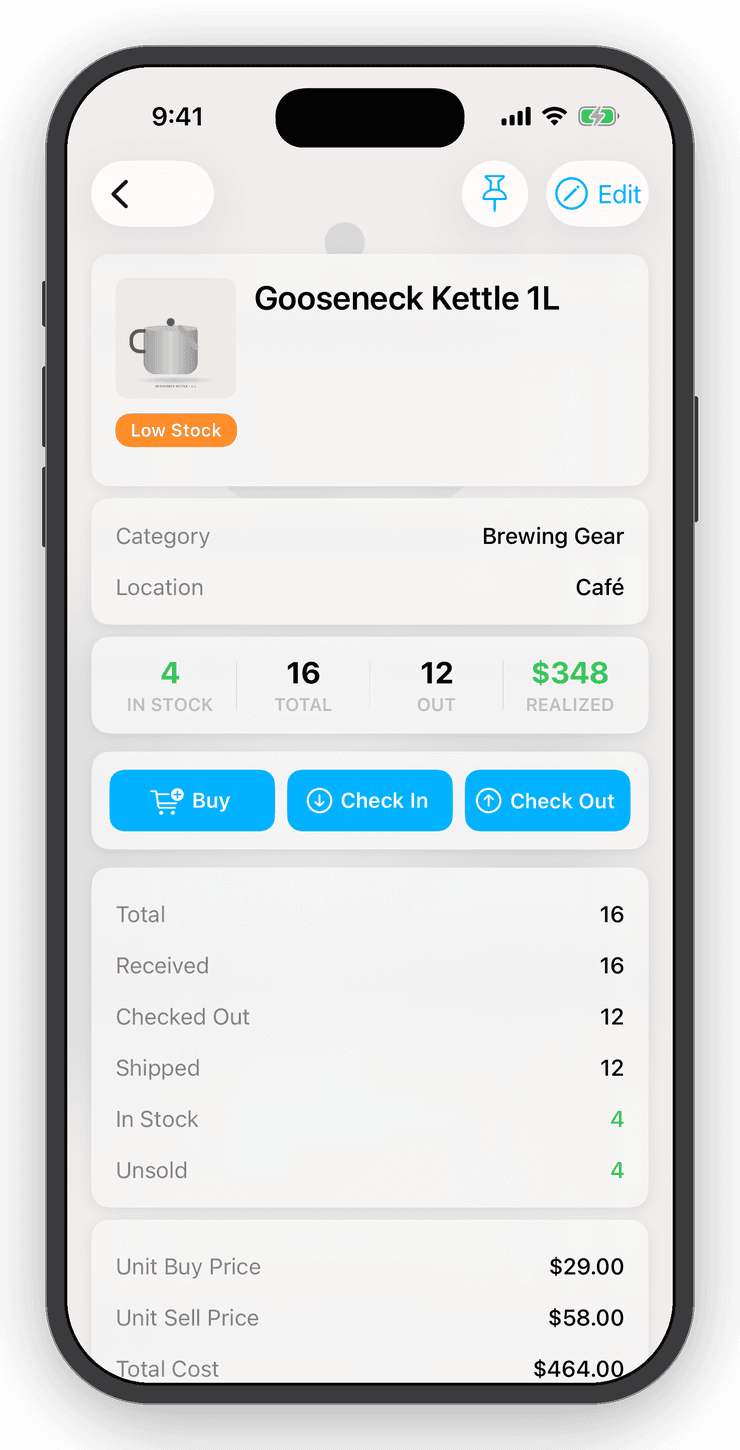
Turn on check-in / check-out in Settings and the item screen changes to match: Check Out and Check In replace Sell and Mark As, and the counts read Out and In Stock instead of Sold. Custom fields record the borrower, project or due date the way you name them.
Barcode scanning
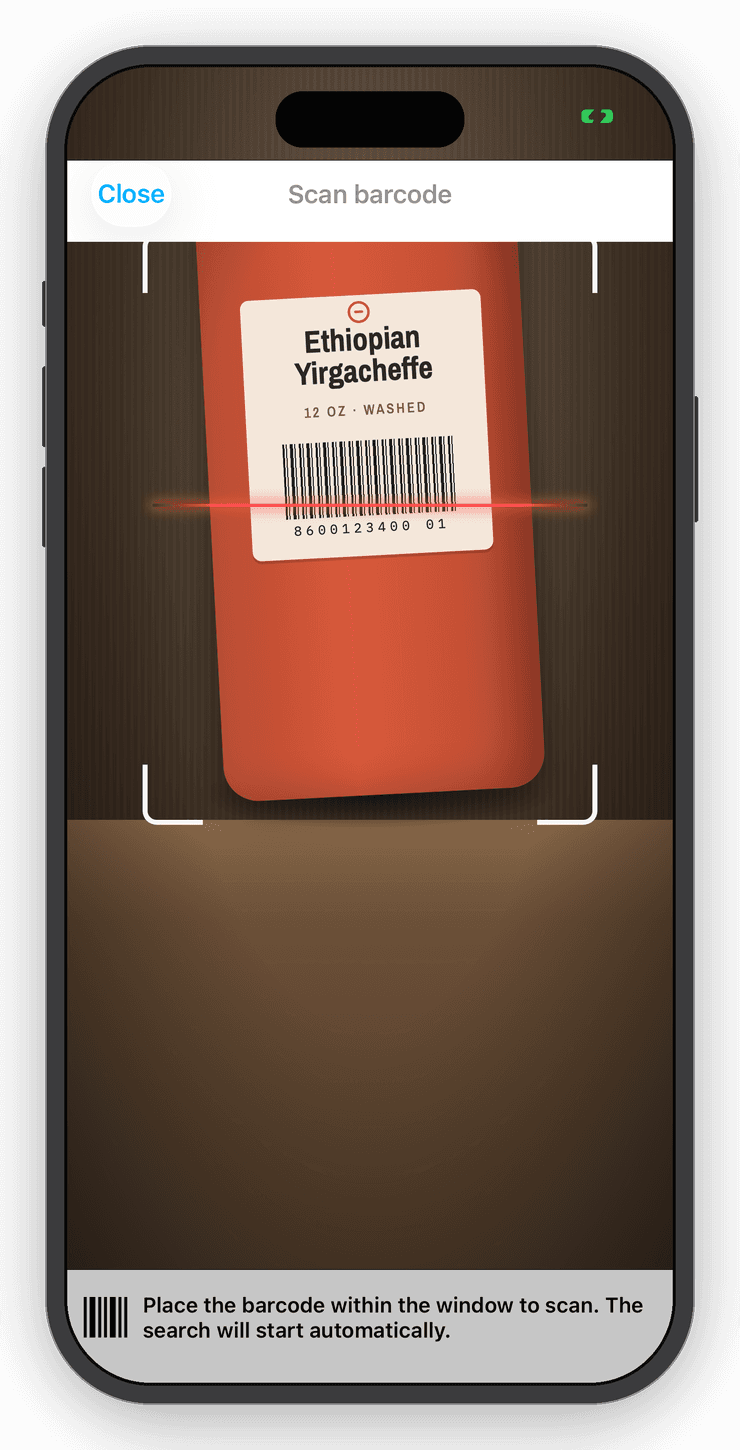
Point the camera. The item comes up.
Scan a barcode and the item opens instantly. Scan something new and Inventory Now looks it up in a shared product catalog, with an AI fallback that fills in the name, category and photo.
Stocktakes
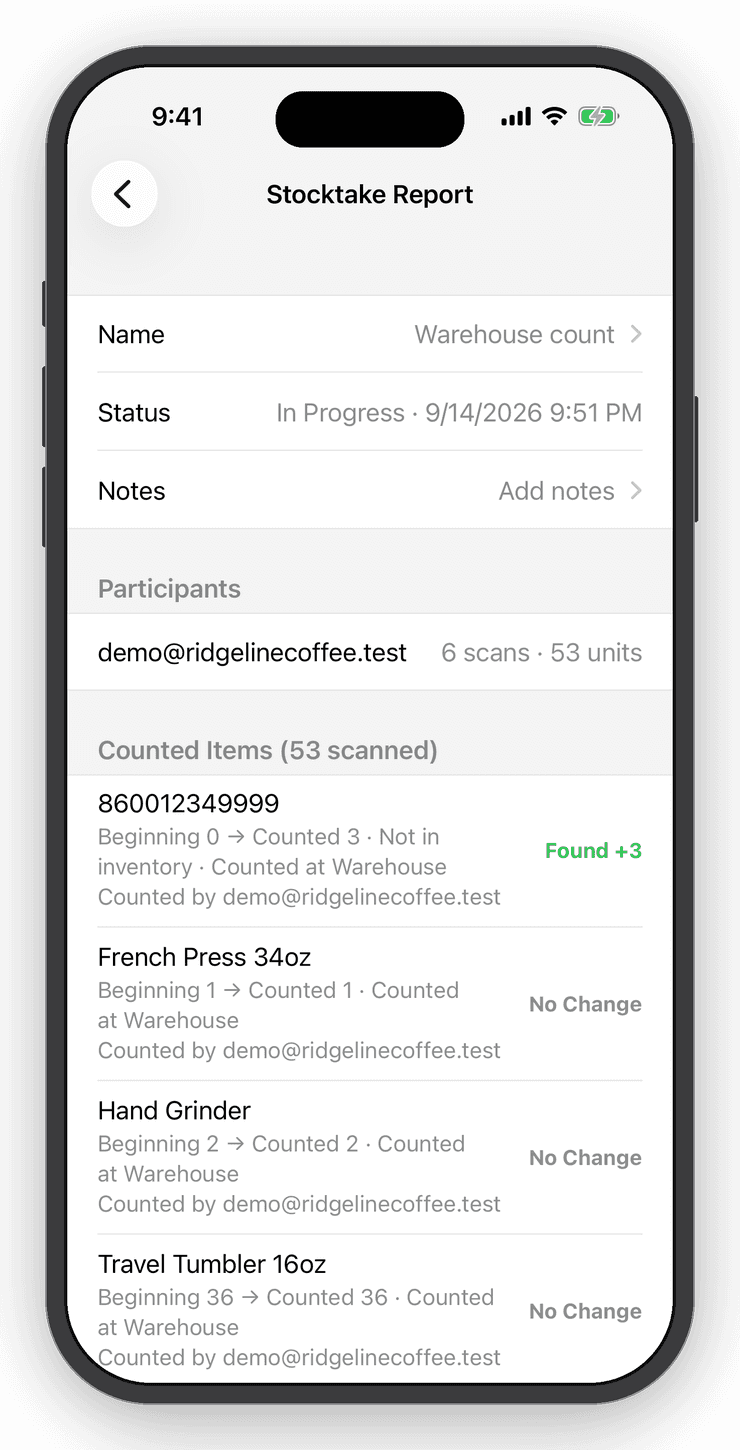
Count a shelf, a room, or the whole store.
Start a stocktake, choose where you are counting and scan. Preview every discrepancy before you commit, then keep a report of what changed. Undo puts it all back.
Questions
Good to know
Yes. Use custom fields or the order's customer details to record who has the item, and the history shows every movement.
Free for your first ten items.
No account, no card. When the shelf gets crowded, Personal is $10 a month.